
Key Takeaways
- 1Ignore Gigabyte’s $450 RRP for the GO27Q24A; Newegg sold it for $299 in its launch month, and that’s the number worth shopping against.
- 2European buyers see a wide spread too, from €339 at Caseking to €425.60 at Techstores.gr, so check local pricing before assuming the RRP applies.
- 3PC Gamer’s 82 score reflects a monitor that’s strong on gaming fundamentals but held back by its HDR ceiling.
- 4The 0.03ms pixel response time at 240Hz makes fast motion hold together, and both G-Sync and FreeSync Premium are supported, so tearing isn’t a concern regardless of GPU brand.
- 5HDR tops out at 200 nits fullscreen and 400 nits peak, low for QD-OLED, which means highlight detail is the trade-off for a picture that’s easier on the eyes over long sessions.
- 6There’s no USB-C, no KVM, and no RGB lighting, cuts Gigabyte made to hit this price point.
- 7The box ships without an HDMI cable despite the monitor having two HDMI 2.1 ports, so console buyers need to source their own cable.
- 8Text rendering is spidery on this panel, so this isn’t the monitor to also use for office work all day.
- 9The Tactical Switch shrinks the image to as small as a 24-inch window at 1280×960, useful for competitive FPS players, but it changes resolution only, not refresh rate.
- 10The Alienware AW2726DM uses the same Samsung Edge panel and street-prices below Gigabyte’s $450 RRP, so shop both before assuming the Gigabyte name is the budget option.
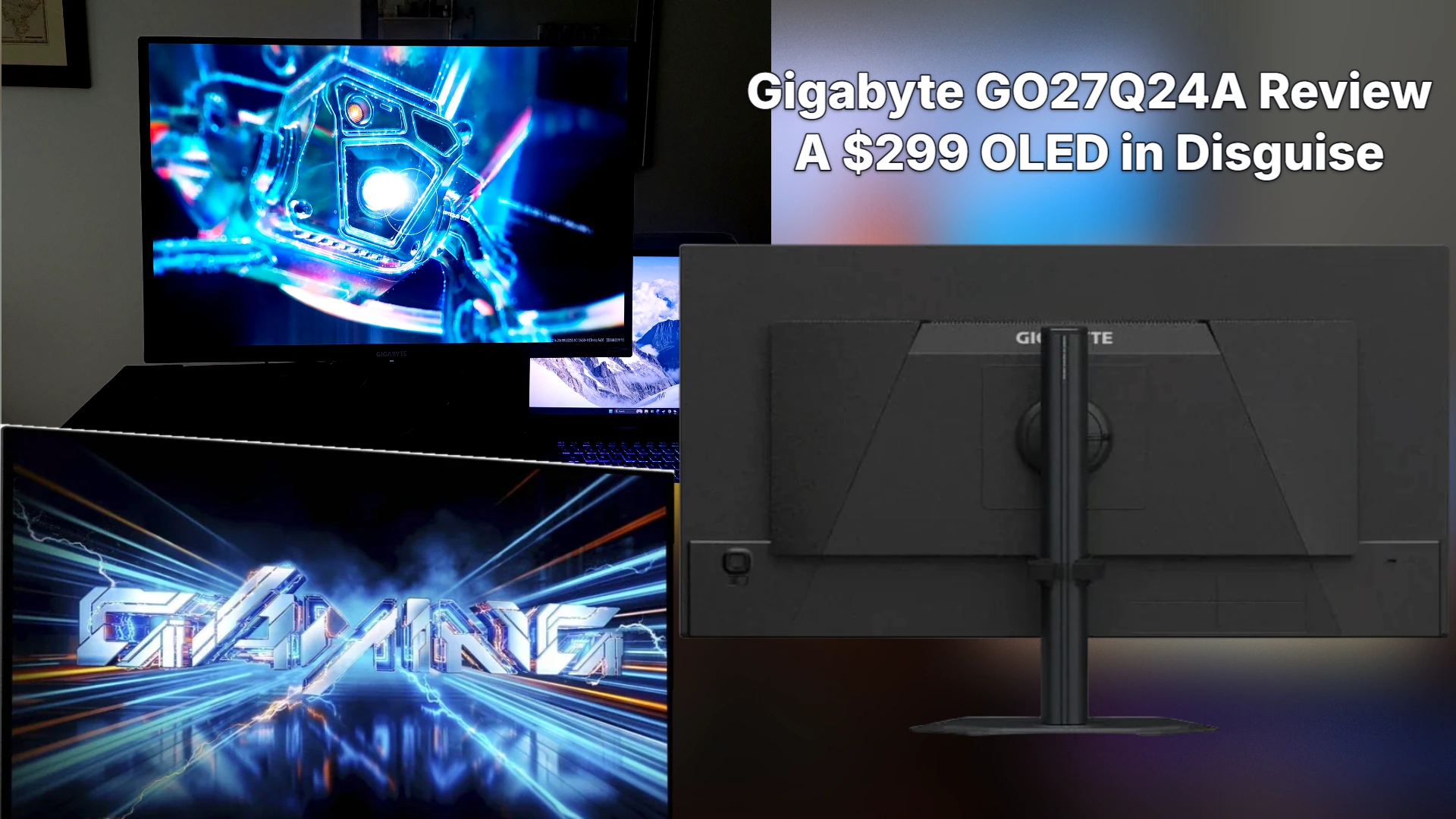
Gigabyte’s GO27Q24A is a 27-inch QD-OLED gaming monitor, and the company is selling it as the affordable way into that panel technology rather than as a flagship. That framing matters more than usual here, because QD-OLED has spent the last few years being the thing you paid a premium for.
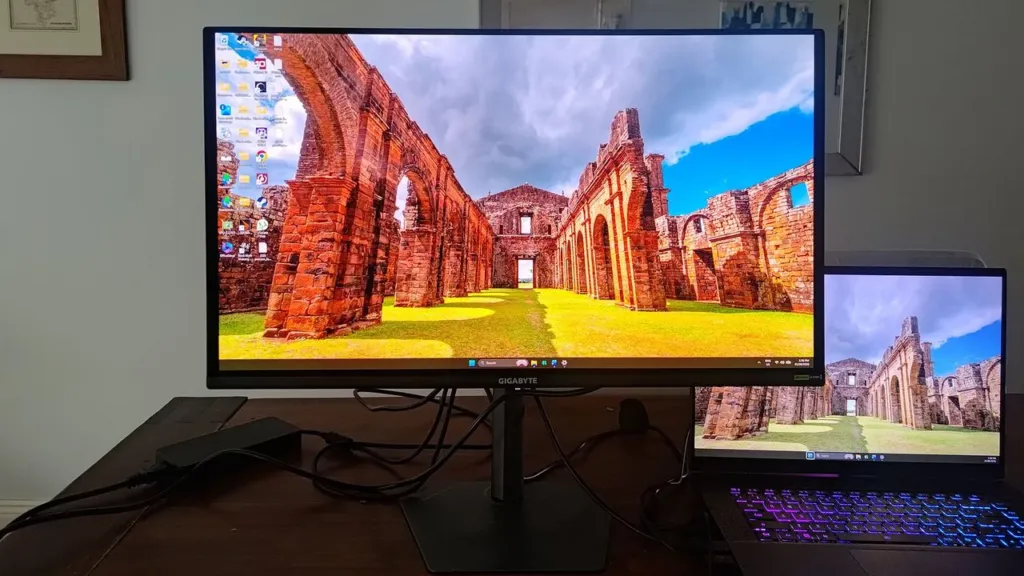
| Panel type | Samsung QD-OLED |
| Screen size | 27-inch |
| Resolution | 2560 x 1440 |
| Refresh rate | 240 Hz |
| Response time | 0.03 ms |
| Brightness | 200 nits fullscreen, 400 nits peak HDR |
| HDR | DisplayHDR TrueBlack 500 |
Gigabyte’s own RRP is $450, but that number stopped meaning much the moment Newegg launched the panel at $299 for its first month on sale. European buyers are seeing a different spread entirely: Caseking lists the GO27Q24A EK at €339, while Techstores.gr has it at €425.60. Anyone shopping this monitor is better off checking what a retailer is actually charging this week than trusting the sticker Gigabyte put on the box.
PC Gamer scored the GO27Q24A 82.
Stand and build quality
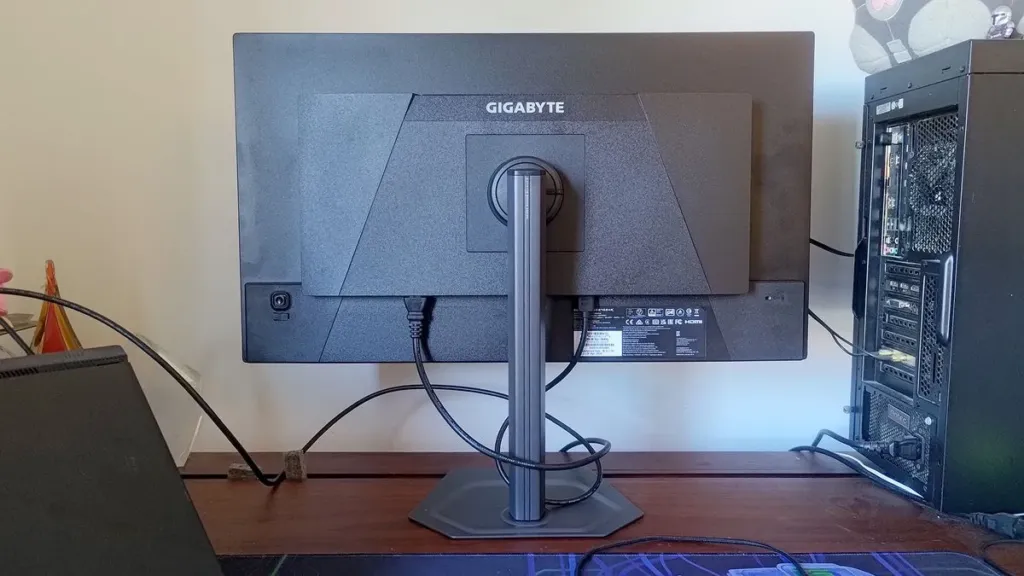
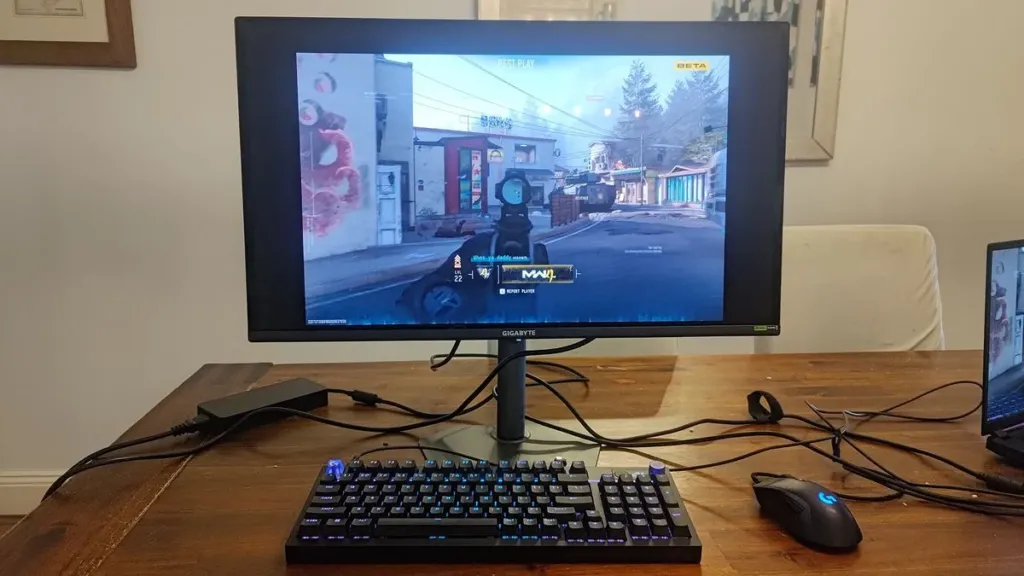
A stand this solid rarely shows up at this price point without wobble creeping into it somewhere. Gigabyte skips the toolbox entirely: the stem clips onto the screen, and a single thumbscrew locks the whole assembly to the base. The footprint stays small, which matters more than it sounds like it should for anyone who sits close to the panel for competitive play and needs desk space for a mouse mat that’s actually big enough to matter. Adjustment is generous rather than token: tilt, swivel, pivot, and height are all here, not just the tilt-only setups budget monitors tend to ship.
| Tilt | -5° to +21° |
| Swivel | ±15° |
| Pivot | 90° |
| Height adjustment | 130 mm |
| VESA mount | 100 x 100 mm |
Ports and what’s missing
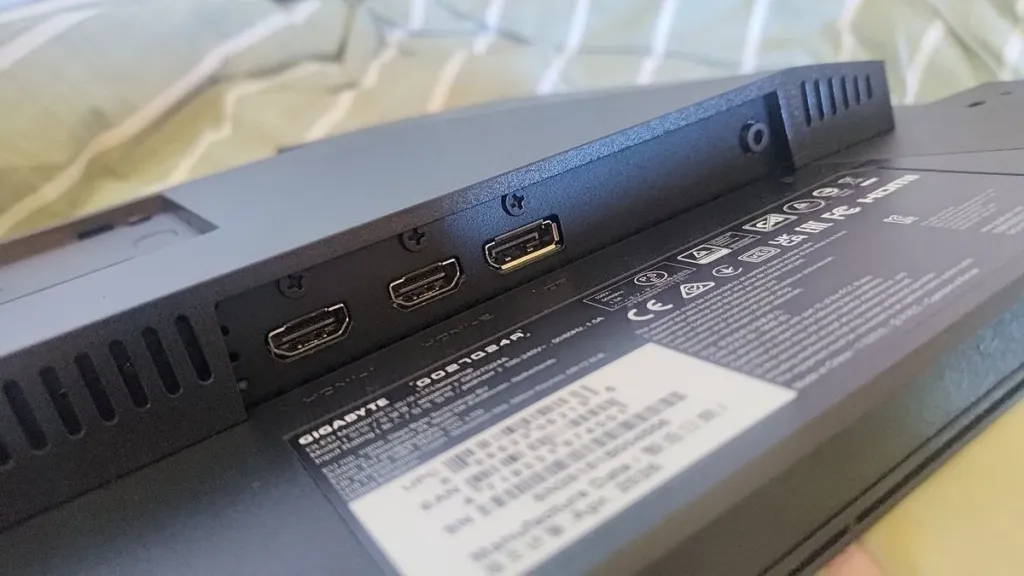
Connectivity is where the budget framing stops being a talking point and starts being a real list of cuts. You get two HDMI 2.1 ports, one DisplayPort 1.4, and a 3.5 mm headphone jack, enough to run a console and a gaming PC at once with sound. What’s not there is USB-C, so no single-cable laptop hookup, no KVM hub for switching between two systems on one keyboard and mouse, and no RGB lighting on the chassis. None of these are things a QD-OLED gaming panel needs to function, and every one of them is a line item Gigabyte clearly decided the price couldn’t carry.
| HDMI | 2x HDMI 2.1 |
| DisplayPort | 1x DisplayPort 1.4 |
| Audio | 1x 3.5 mm headphone jack |
In the box
Open the box and you get a cable tidy clip and a DisplayPort cable, nothing more. There’s no HDMI cable in there, which is a strange gap on a monitor that ships with two HDMI 2.1 ports and no HDMI cable to plug into either of them. Anyone connecting a console rather than a PC needs to source that cable themselves before this thing does anything.’
200 nits fullscreen and 400 nits peak HDR is low for a QD-OLED panel, and that ceiling is the clearest sign of where Gigabyte trimmed cost to hit this price. Reviewers can’t even agree on what to call the result: PC Gamer lists DisplayHDR TrueBlack 500 certification, Display Ninja lists TrueBlack 400 for the same panel, and HDR10 support sits underneath either label. What doesn’t move is the panel itself, likely a Samsung Gen 3 QD-OLED, with a 1,500,000:1 contrast ratio and 99 percent DCI-P3 coverage that would look at home on a monitor twice the price.
That low ceiling isn’t purely a downside. It means HDR can stay switched on for hours without the kind of eye strain that brighter panels can cause, which is the one place the cost-cutting pays a buyer back. The trade-off shows up at the extremes: bright highlights lose detail they’d keep on a higher-nit panel, and true-black depth, while very good, stops short of the outstanding mark the best QD-OLEDs hit.
The semi-gloss anti-reflective coating cuts glare well enough in normal use, but drop into dark content and it turns into a black mirror, throwing the room right back at you instead of the scene on screen. Text fares no better on the productivity side: it comes out spidery, thin enough that this isn’t a panel to sit in front of all day for office work.
Gaming Performance and Motion Clarity
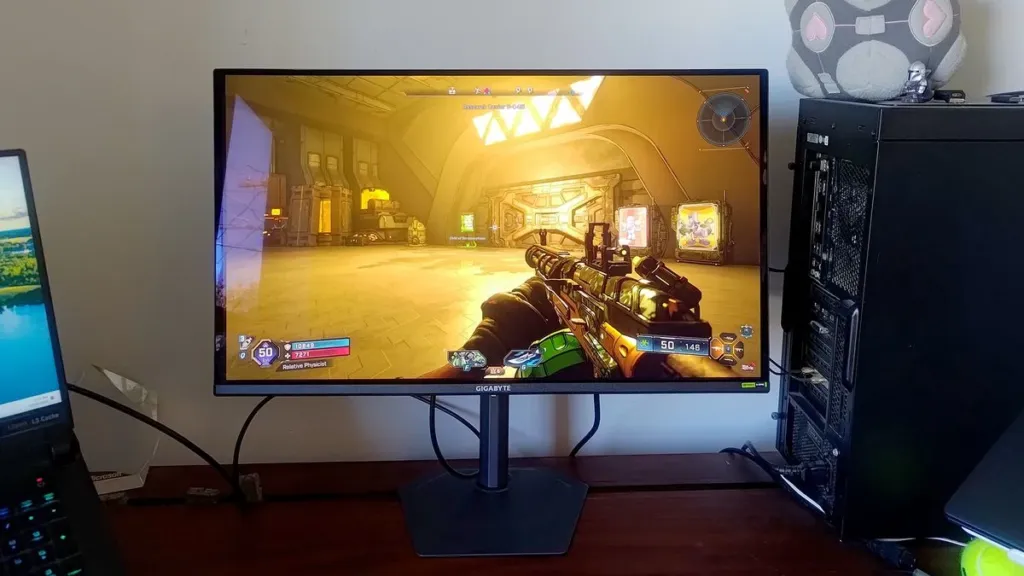
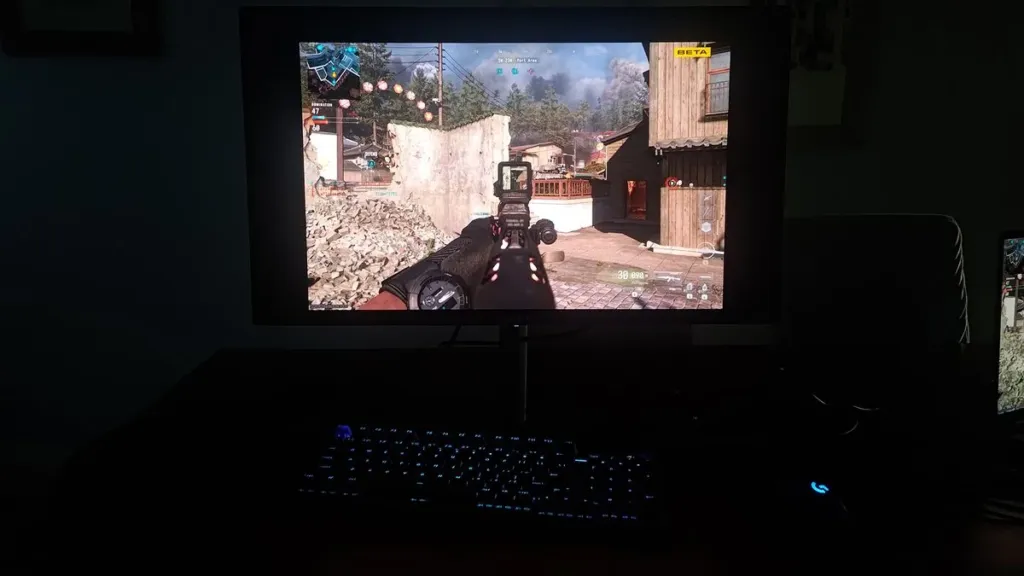
Adaptive sync isn’t a checkbox Gigabyte skipped on the way to a cheaper panel: the GO27Q24A supports both Nvidia G-Sync and AMD FreeSync Premium, so whichever card ends up in the box, tearing goes away. VRR does something else that matters more on OLED specifically, holding brightness steady instead of letting it flicker as frame rates swing, which is exactly the failure mode that’s made some OLED monitors hard to recommend for anything but a locked frame rate.
A 0.03 ms pixel response time paired with a 240 Hz panel is the combination that makes fast motion hold together instead of smearing, and it’s fast enough that the only people likely to grumble are elite eSports players chasing frame rates most monitors on shelves don’t even offer.
Gigabyte says an Ultra Clear motion-smoothness BFI mode is coming, but only as a future firmware update, so anyone buying today is buying on what the panel does right now rather than on a promise still sitting in a changelog somewhere.
Not everyone watching the refresh rate arms race is convinced 240 Hz is even the ceiling worth chasing, let alone the panels pushing past it.
Anything past 180/240 hertz is unrecognizable without a slow motion camera
OSD, Game Aids, and Tactical Switch
Gigabyte crams most of its premium gaming enhancements into the GO27Q24A, all of them tucked behind a single joystick button on the rear right of the screen. That’s a lot of features for the price, and the catch is that most of them buy you an edge in a match at the direct expense of how the image actually looks.
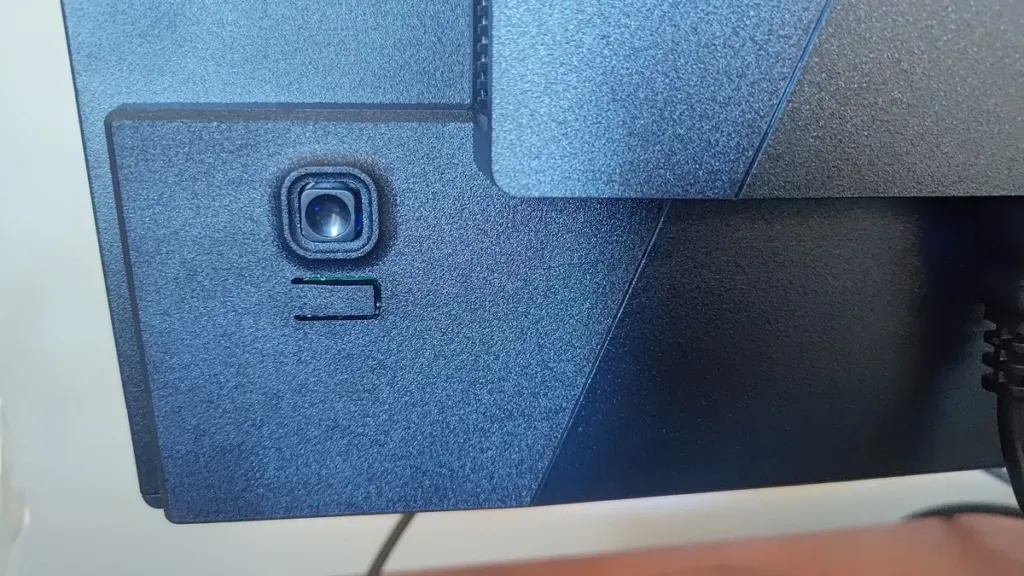
Gaming Aids in the OSD
- AI Black Equalizer brightens dark areas to reveal hiding enemies, at the cost of destroying contrast across the whole scene
- Super Resolution punches up detail in flat, uniform-color areas, which makes objects look worse up close but easier to spot at a glance
- Night Vision floods the screen green, trading a natural picture for visibility in dark scenes
- Flash Dimming clamps down brightness spikes so a flashbang doesn’t blind you the way it’s supposed to
- Eagle Eye zooms in on the center of the screen like a sniper scope, sacrificing everything outside that circle
- Game Info overlays an on-screen timer and crosshairs directly onto the image
The Game Info crosshair stays put on the GO27Q24A even while you’re nudging the joystick to navigate the OSD, which sounds trivial until you’ve used an MSI monitor where the crosshair drifts along with your thumb.
The Tactical Switch
Below the joystick sits the Tactical Switch, a single press that cycles the panel through 1920×1080, then a trio of stretched 4:3 and 5:4 modes at 1280×960, 1024×768 and 1280×1024. The image itself can shrink to a 24-inch window on the 27-inch panel, which is the whole point for a competitive FPS player who sits close and wants a bigger, easier target. What it doesn’t do, unlike the Tactical Switch on some other Gigabyte monitors, is push the refresh rate any higher: this is a resolution trick, not a frame rate one.
OLED Care, Cooling, and Certifications
- OLED Care runs pixel cleaning and static image detection to guard against burn-in over the panel’s life
- Gigabyte backs that up with a 3-year warranty that explicitly covers burn-in, not just a standard defects clause
- Cooling is fanless, handled by a graphene film layer instead of moving parts
- TÜV Rheinland certifies the panel Flicker-Free and Low Blue Light
- PiP and PbP let you run two sources on screen at once
- Aim Stabilizer Sync, Gigabyte’s Ultra Clear Technology feature, rounds out the motion clarity toolkit
Alienware AW2726DM Comparison
A brand name is supposed to buy a premium, and Alienware has one of the more recognizable names in gaming hardware, which makes the AW2726DM’s price against the Gigabyte GO27Q24A worth sitting with. Display Ninja puts both monitors in the same Edge panel row, meaning the underlying screen is identical: 27-inch, 1440p, 240Hz QD-OLED in both cases. Despite that, the Alienware comes in cheaper than the Gigabyte, whose RRP sits at $450. Whatever Gigabyte’s $450 RRP is buying beyond the panel itself, it isn’t a discount for skipping the Alienware badge, since the badge is the cheaper option here.
The Affordable OLED Market
One Gigabyte reviewer put the top of this market plainly: ultra-premium gaming monitors are silly-priced. The GO27Q24A isn’t alone in pushing back against that; the Samsung G61SF sits in the same budget OLED bracket, and Display Ninja’s own tracker lists a large number of 2026 OLED monitors spanning that full range from flagship to affordable. The GO27Q24A’s job is to prove the bottom of that list doesn’t have to feel like a compromise.

That pricing frustration shows up in the comments under monitor coverage just as much as it does in review copy. One viewer summed up the top end of this market against the cost of everything else in the case:
bros monitors cost as much as my entire pc 😂
Another commenter took the same math and applied it from the other end, sizing up flagship monitor prices against a machine several steps down the ladder:
Me and my entry level laptop: 👁👄👁