

Key Takeaways
- 1Ignore the W/mK number on any tube: Arctic’s printed 12.6 W/mk for MX-6 Rev 4 measured 4.748 W/mK on Igor’s Lab’s bench, and Noctua NT-H2’s lower 8.9 W/mk spec still scored a perfect 5/5 from Tom’s Hardware.
- 2MX-6, Kryonaut and NT-H2 finished within 0.3°C of each other in Tiny Tech Tweaks’ test — don’t pay a premium for one over another expecting a temperature win.
- 3MX-6 beat NT-H1, a paste that’s been on shelves since 2007, by just 1°C in EnosTech’s test. NT-H1 remains the sane budget default.
- 4For a bare GPU die, both MX-6 (non-conductive, non-capacitive) and Kryonaut (0 pS/m) are safe against a spilled bead touching nearby SMD components.
- 5Kryonaut costs $11.58 a gram against MX-6’s $2 a gram at Tom’s Hardware’s pricing. A single GPU repaste barely notices the difference; keeping a bottle for repeat jobs does.
- 6Pump-out, not conductivity, is what actually degrades a repaste over years. Kryonaut’s carrier holds to 80°C and MX-6 Rev 4’s viscous matrix resists leakage under the same cycling.
- 7Arctic MX-6 Rev 4 cuts thermal resistance roughly in half versus the original MX-6 at a 15 µm bond line (0.06 vs 0.12), a gap that narrows but doesn’t vanish out to 50 µm (0.15 vs 0.225).
- 8First-timers should reach for Thermal Grizzly Aeronaut for its screw-on applicator, or NT-H1 for its forgiving consistency, over Kryonaut’s stiff 130-170 Pas paste that strings badly under a careless hand.
- 9MX-4 and Aeronaut both land in the bottom performance tier alongside Thermalright TF7 in the seven-paste test, so pick between them on price and ease of application, not temperature.
Arctic MX-6: Original vs Revision 4
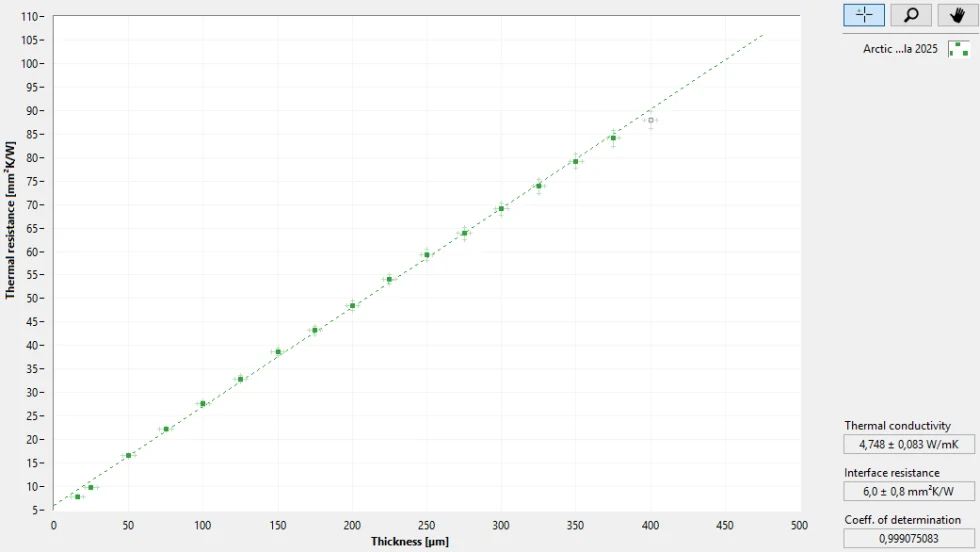
Arctic lists MX-6 Rev 4 at 12.6 W/mk. Igor’s Lab put a sample on the bench and measured 4.748 W/mK, less than half the number on the spec sheet. That gap is what happens when a conductivity figure gets quoted under conditions nobody replicates in a real socket, and it’s why the number that matters for a repaste is the one somebody measured with a die and a heatsink, not the one printed on the tube. What the lab did confirm is that Rev 4 runs a lower thermal resistance than the original MX-6, so the formula change did something real even if the headline number oversold it.
| Thermal conductivity (spec) | 12.6 W/mk |
| Thermal conductivity (measured) | 4.748 W/mK |
| Interface resistance | 6.0 mm²K/W |
| Minimum bond line thickness | 15.6 µm |
| Viscosity | 45,000 Poise (4,500,000 mPa·s) |
| Electrical conductivity | Non-conductive |
| Capacitance | Non-capacitive |
| Cure time | None |
At a 15 µm bond line, the original MX-6 sits at roughly 0.12 thermal resistance while Rev 4 lands around 0.06, cutting it in half. Push the bond line out to 50 µm and the gap narrows but doesn’t close: the original measures around 0.225 against 0.15 for Rev 4. That pattern, a bigger advantage thin and a smaller one thick, is exactly what a repaste job needs to know before spreading anything on a die. The data behind those numbers came out with an R² of 0.99975, which is about as linear as a thermal resistance curve gets, so there’s no reason to treat the two data points as noise.
Thermal Resistance (Rth) at 15 and 50 µm Bond Line Thickness
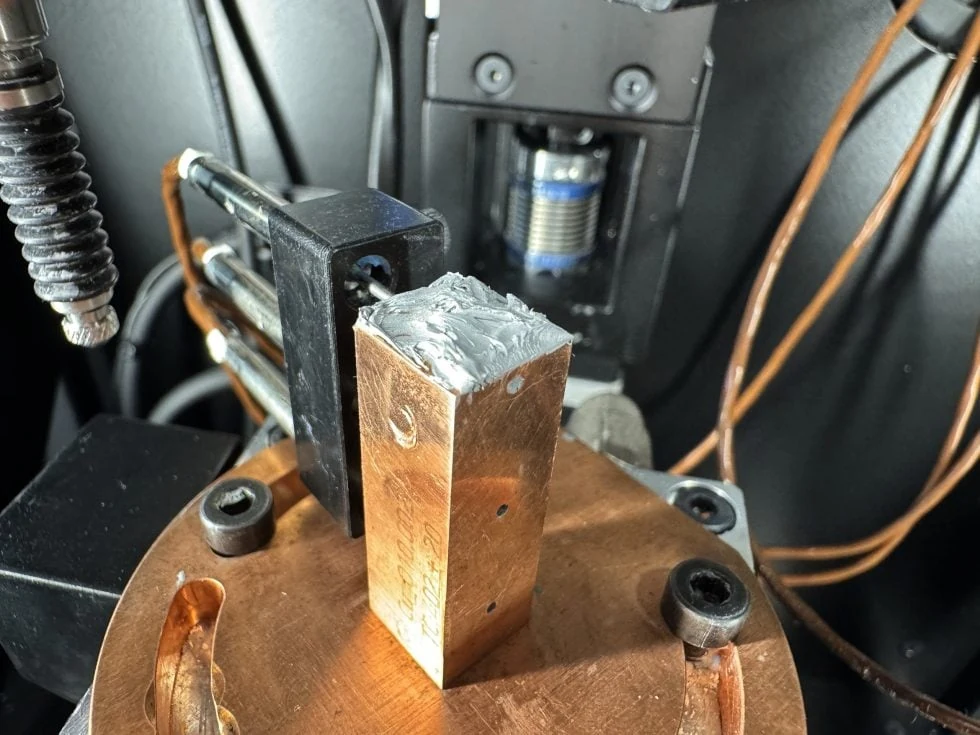
MX-6 is thixotropic, meaning it holds its shape sitting still and only thins out once real pressure gets applied to spread it, which is why a bead just dropped on a die won’t move on its own. That same stubbornness is what keeps it in place once a GPU is back under a cooler and cycling between idle and load a thousand times a year: thixotropic pastes resist getting pumped out from between the die and the cold plate, a failure mode that quietly kills thermal performance on paste that’s easier to spread.
EnosTech ran MX-6 against Noctua NT-H1 directly and found it 1°C cooler. That’s a real gap, but a small one, and it says MX-6 is a modest step up on a paste that’s been a default recommendation for years rather than a reason to throw NT-H1 out.
Second place, not first
Tom’s Hardware named Arctic MX-6 the runner-up in its premium paste category, a strong showing but a placement that leaves room above it worth checking against whatever took the top spot.
Pros
- Interface resistance of 6.0 mm²K/W keeps heat moving without any cure time to wait out
- Non-conductive and non-capacitive, so a stray bit near a GPU die won’t short anything
- High viscosity resists pump-out, keeping the bond line stable over years of thermal cycling
- Thermal resistance at thin bond lines is half what the original MX-6 delivered
Cons
- Spec sheet claims 12.6 W/mk while Igor’s Lab measured 4.748 W/mK, a gap worth remembering before trusting any paste’s printed number
- The same high viscosity that resists pump-out makes it harder to spread evenly, especially for a first-time repaste
Thermal Grizzly Kryonaut
Kryonaut is Thermal Grizzly’s overclocking paste, rated at 12.5 W/mk, and it carries zero electrical conductivity at 0 pS/m. That matters on a bare GPU die: a squeeze onto exposed silicon or nearby traces doesn’t risk a short the way a conductive compound would. It also skips the cure period some pastes need, so it’s running at its rated number the moment the cooler goes back on, not days later after the compound settles in.
| Thermal Conductivity | 12.5 W/mk |
| Electrical Conductivity | 0 pS/m (non-conductive) |
| Viscosity | 130–170 Pas |
| Cure Time | None |
| Price (1g) | $11.58 |
| Anti-pump-out carrier | Rated to 80°C |
Applying it is a different matter. Kryonaut strings badly when you spread it, and that thick 130–170 Pas consistency is exactly what makes it a paste for people who’ve done this before rather than a first repaste. The same thickness that fights your spatula is what keeps it in place once the cooler’s clamped down and under sustained pressure.
On a Core i9-13900K, swapping stock paste for Kryonaut is worth 3–5°C, and under sustained high load it holds a 1–2°C edge over Noctua NT-H2. Against Arctic MX-6, though, the gap closes to nothing: the two deliver near-identical raw performance, which means the choice between them stops being about temperature and starts being about how each one behaves in your hands during application.
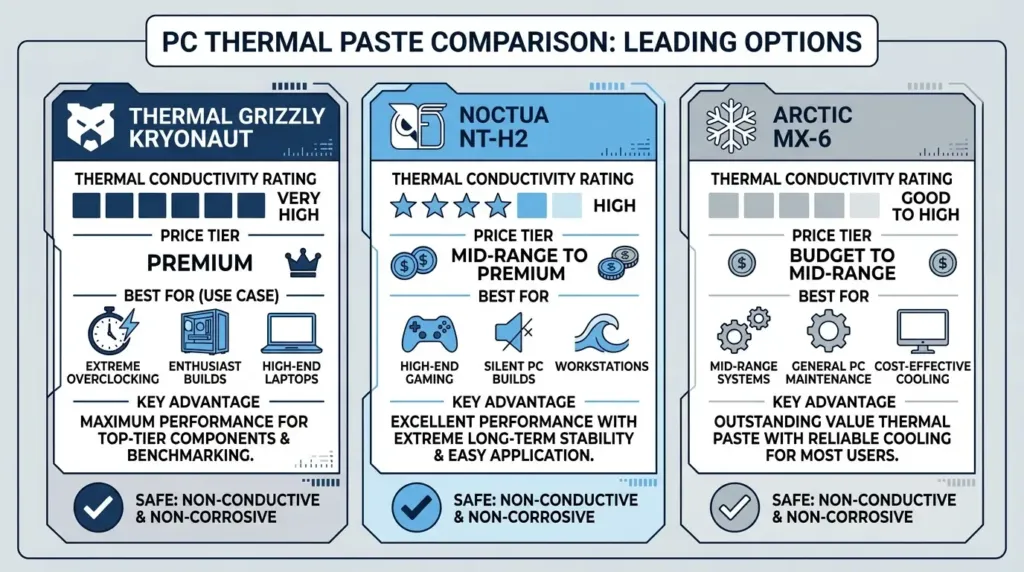
The payoff shows up clearest on an aged card. Repasting a GPU that’s 3–5 years old with Kryonaut cuts hotspot temperature by 5–10°C, and that’s the number that actually matters for a die that’s been baking under a worn-out factory application for years. Kryonaut’s anti-pump-out carrier structure holds up to 80°C, which is the property that keeps a compound from migrating off a bare die under repeated thermal cycling instead of just sitting there looking good on a spec sheet.
Noctua NT-H2
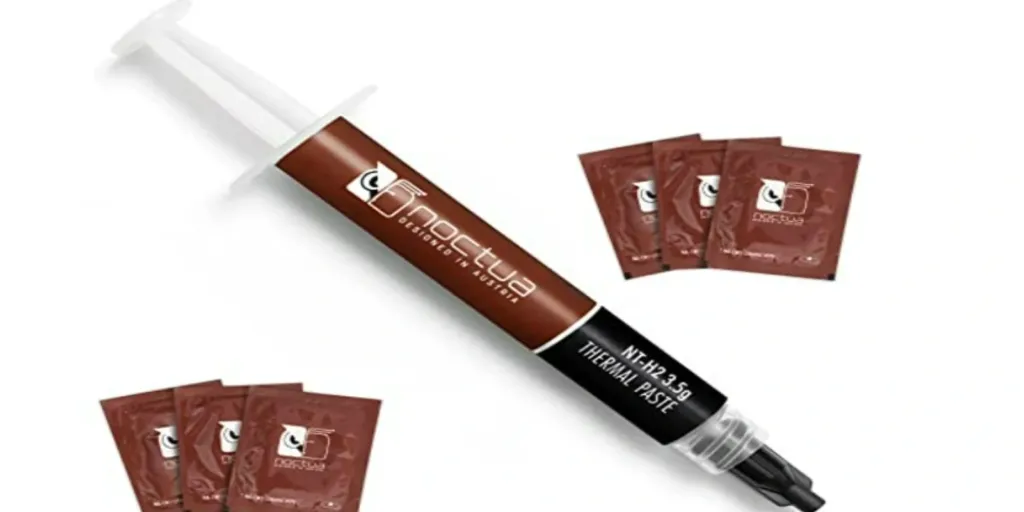
Noctua’s premium paste posts 8.9 W/mk on the spec sheet, lower than both MX-6’s claimed number and Kryonaut’s rated 12.5 W/mk, and yet Tom’s Hardware still hands it a perfect 5 out of 5 on relative performance. That’s the gap between a conductivity figure and what a paste actually does in a socket, and it’s why NT-H2 lands as Tom’s Hardware’s runner-up best premium standard paste despite the lower number. Ease of use scores 4.5 out of 5, and at $3.70 per gram for a 3.5g tube it sits at the premium end of the field.
| Thermal conductivity | 8.9 W/mk |
| Ease of use | 4.5 out of 5 |
| Relative performance | 5 out of 5 |
| Price per gram | $3.70 (3.5g tube) |
| Included cleaning wipes | 3 |
| Electrically conductive | No |
Tiny Tech Tweaks found NT-H2 the messiest paste in its test to apply, stringing more than anything else on the bench. None of that shows up in the results: the top three pastes finished within 0.3°C of each other in the small-form-factor test, with NT-H2 tied against Arctic MX-6 and Thermal Grizzly Kryonaut. On a cramped GPU cooler, that’s a paste that punishes a careless hand during application but costs nothing once it’s spread.
Pros
- 5 out of 5 relative performance from Tom’s Hardware
- Ties for the top temperature result in the SFF test
- Three cleaning wipes included in the box
Cons
- Strings more during application than any other paste tested
- Application suits an advanced user more than a first-time repaster
Noctua NT-H1
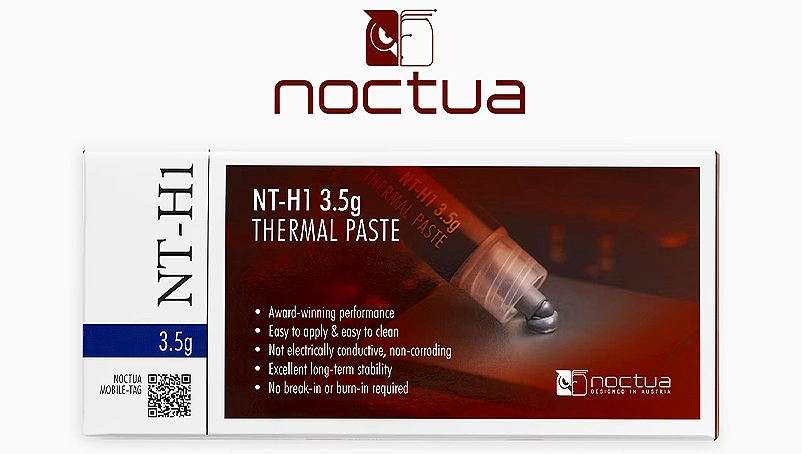
NT-H1 has been on shelves since 2007, and it’s still the paste people hand to a first-timer. The consistency is almost creamy next to the stiffer compounds on this list, and reviewers keep landing on the same word for it: beginner-friendly. Spreading it evenly with a card or just letting the mount pressure do the work doesn’t take a steady hand, which is the whole point of a paste this old still selling.
A 3.5-gram tube starts at €9.90, and Noctua bundles in an optional AM5 sealing frame at that same package price. On a GPU repaste the frame doesn’t apply, but the price point still sets NT-H1 up as the cheap, no-drama option next to the newer pastes on this list.
The numbers back up what the easy application implies: EnosTech measured MX-6 running 1°C cooler than NT-H1, and TinyTechTweaks placed NT-H1 in the middle of its field rather than at either end. That’s a paste that isn’t chasing a chart-topping result, it’s asking to be spread once and forgotten.
Arctic MX-4
Arctic MX-4 has been the default budget recommendation for years, and it earns that spot by spreading evenly under mount pressure. The trade-off shows up the moment the tube leaves the die: it strings, leaving a thread between the nozzle and the surface that a first-timer has to wipe away before closing the cooler down.
| Thermal Conductivity | 8.5 W/mk |
| Price (4g tube) | €4.50 |
| Price per Gram (45g pack) | €0.31 |
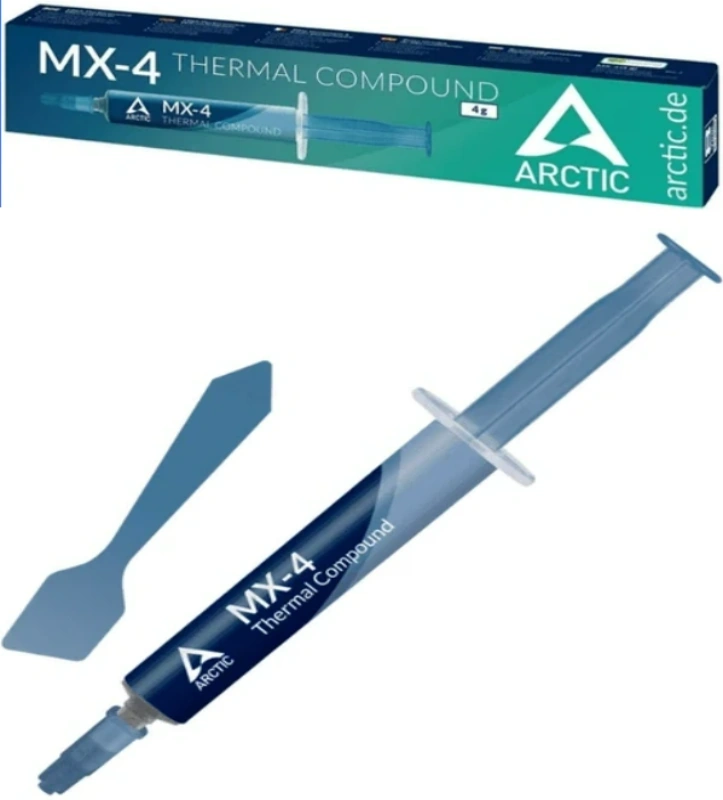
A tube bought in 2019 and left in a drawer for years still spread and behaved the same as a fresh one when the reviewer put both on the bench, and the measured temperatures came out almost identical, with the old tube running marginally cooler. That settles the question of whether a half-used tube sitting in a toolbox is still worth applying: it is.
Buy the 45g pack instead of the 4g tube and the per-gram cost drops to €0.31, which matters to anyone repasting more than one GPU or coming back to the same card every year or two: at that price the paste stops being a line item worth thinking about.
Across the seven pastes in the test, MX-4 finished last, running at temperatures nearly indistinguishable from Thermal Grizzly Aeronaut and Thermalright TF7 rather than clearly behind them. For a GPU repaste, that puts MX-4 in a three-way tie for the floor of the field: it isn’t a bad paste, it’s just not the one to reach for if the front-runners are sitting on the same shelf.
Thermal Grizzly Aeronaut
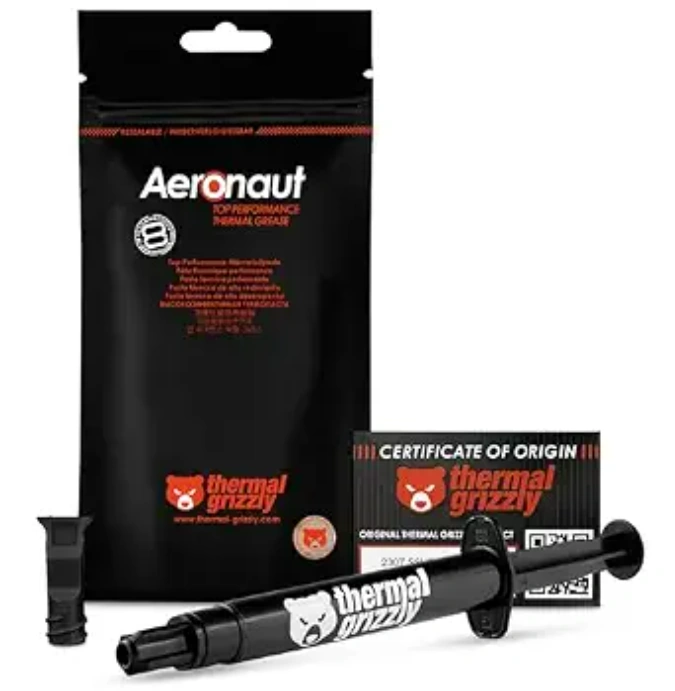
Aeronaut runs thinner than any paste covered so far, fluid enough that it spreads under mount pressure with none of the coaxing MX-4 needs. That’s the whole selling point for somebody with little experience: there’s no technique to get wrong, no card to drag across the die at the right pressure, just squeeze and close the cooler.
A 1g tube runs €7.49 on Amazon, and it comes in a resealable zip bag rather than a box, so a partial tube doesn’t dry out on a shelf between builds. The 3.9g review sample shipped with two screw-on applicators, hardware most pastes at this price skip entirely.
None of that ease shows up in the temperatures. Across the seven-paste test, Aeronaut sat in the bottom tier, running nearly identical numbers to Arctic MX-4 and Thermalright TF7, the same group MX-4 landed in on its own strength as a budget spreader rather than a thermal leader.
Tinytechtweaks recommends it specifically for beginners, and the reasoning is the applicator rather than the bench chart: a screw-on tip gets an even layer down on the first try, which matters more to a one-time builder than a couple of degrees they’d never notice anyway.
Head-to-Head: The Margins That Actually Separate These Pastes
Put MX-6, Kryonaut and NT-H2 on the same board and Tiny Tech Tweaks couldn’t pull more than 0.3°C between them, a spread that’s inside the noise floor of most repastes. EnosTech’s numbers make the same point from the other direction: MX-6 finished just 1°C ahead of NT-H1, a paste that’s been sitting on shelves since 2007. A gap that small isn’t a reason to chase the newest formula over whatever’s already in the tube.
SunbeamTech’s sustained-load runs are the one place a gap holds up rather than washing out: Kryonaut ran 1-2°C cooler than NT-H2 across the test, and it held that edge rather than trading places run to run. It’s not a number that changes which paste a first-timer should buy, but it’s the kind of margin that shows up once a card’s been under load for hours rather than minutes.
Set the two MX-6 formulas side by side across bond line thickness and rev. 4 wins at every point on the curve, not just the one Arctic chose to print on the box. At 15 µm the original measures 0.12 against rev. 4’s 0.06, and the gap holds shape out to 50 µm, where original sits at 0.225 against rev. 4’s 0.15. That’s a formula change that pays off whether the mount ends up thin or thick, which matters more than the single conductivity number ever did.
Repasting a Bare GPU Die
A bare die has none of the guardrails an IHS gives you: a slightly generous bead of paste can spill past the die edge and touch surrounding SMD components, and if that paste conducts, that’s a short. Arctic MX-6 is rated non-conductive and non-capacitive, and Thermal Grizzly Kryonaut measures 0 pS/m. Neither one turns a sloppy application into a dead card.
Viscosity cuts both ways on a die this small. MX-6 rev4 is highly viscous and holds its shape rather than running off the edge, and Kryonaut sits at 130-170 Pas, thick enough that it needs a deliberate hand to spread evenly across a surface a fraction the size of a CPU lid. Both reward the same trade: harder to lay down cleanly, but that same stiffness is what keeps the paste sitting where you put it once the card starts cycling through load and idle.
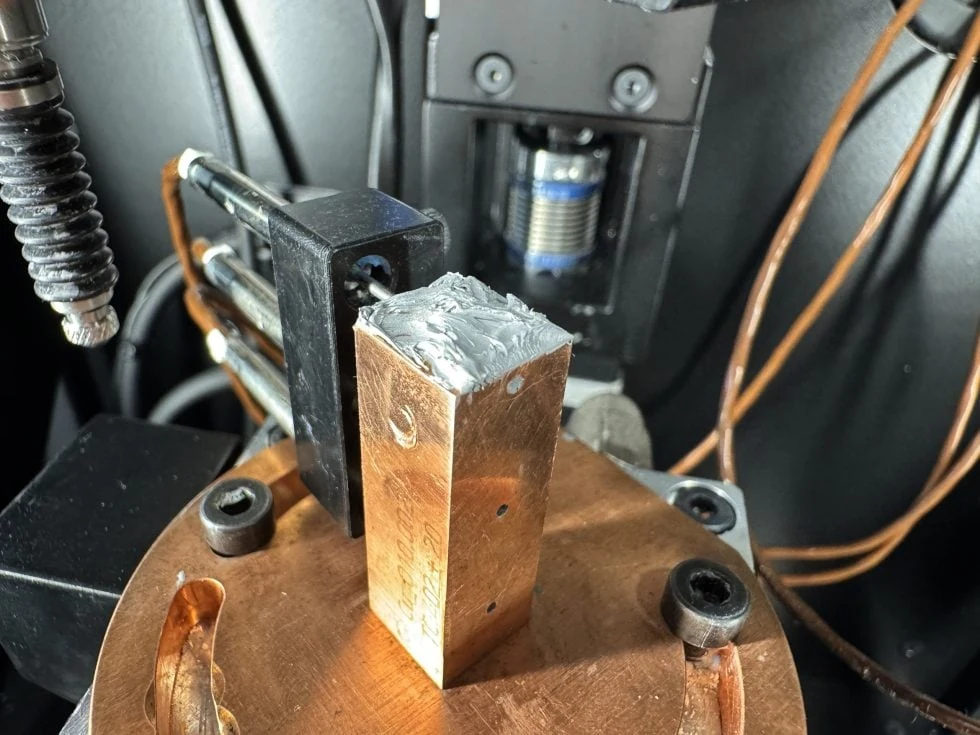
A GPU die pushes far more heat through far less surface area than a CPU lid does, which makes bond line thickness matter more than the conductivity number on the tube. MX-6 rev4 settled to a 15.6 µm bond line in testing, and paired with its measured 4.748 W/mK conductivity, that’s a solid showing for a ceramic-filled paste on exactly the kind of high-flux surface a bare GPU die presents.
Igor’s Lab built a simulation rig specifically to model a graphics card with no IHS in the way, and MX-6 rev4’s delta behavior on that rig tracked closely with what you’d expect from a real bare-die card. That’s the closest a bench test gets to answering the question a repaste buyer actually has, rather than the CPU-style numbers most reviews default to.
Tom’s Hardware ranks MX-6 as the second-best traditional paste it tested, and it gets there at $2 a gram against Kryonaut’s $11.58 a gram. A GPU repaste needs a fraction of a gram either way, so the per-tube cost difference barely registers once, but anybody keeping a bottle around for the next card, or the next three, is paying nearly six times as much per gram for Kryonaut’s spec-sheet lead.
| Attribute | Arctic MX-6 rev4 | Thermal Grizzly Kryonaut |
|---|---|---|
| Electrical conductivity | Non-conductive | Non-conductive, 0 pS/m |
| Viscosity | 45000 Poise (high) | 130-170 Pas (slightly thick) |
| Anti-pump-out | Viscous matrix resists pump-out | Carrier rated up to 80°C |
| Price per gram | $2 (3.5g tube) | $11.58 (1g) |
| Measured thermal conductivity | 4.748 W/mK | 12.5 W/mK (spec) |
Pump-out, not raw conductivity, is what actually kills a GPU repaste over time: thousands of expansion-contraction cycles as the card heats and cools work paste toward the edges of the die until a thin gap opens up in the middle. Kryonaut’s carrier is rated to hold up to 80°C, which covers typical GPU operating temperatures, and MX-6 rev4’s viscous matrix resists complete leakage under the same kind of cycling. Neither paste is the kind that needs redoing after a year of normal use.
Pump-out is the real failure mode
The number that matters for a GPU repaste isn’t the conductivity figure on the box, it’s whether the paste is rated to resist pump-out under repeated thermal cycling. Pick MX-6 rev4 or Kryonaut for that reason, not for the W/mK line reviewers argue about.