
Key Takeaways
- 1Stock 6700K holds an RTX 3080 to 60 percent utilization; even an extreme 1.56-volt, 5GHz ice-bath overclock only lifts that to 74 percent, so a new GPU alone won’t close the gap.
- 21.3 volts is the safe ceiling on this chip, and Tom’s Hardware’s 4.7GHz air-cooled run at 1.4 volts was already past it before liquid nitrogen or ice baths entered the picture.
- 35.1GHz at 1.65 volts bought exactly one extra frame over 5GHz; 1.7 volts killed the chip. There’s no voltage number worth chasing past that point.
- 4At 1080p the CPU is the bottleneck; at 4K the GPU takes over, so buyers on a 6700K-class chip get more value dropping resolution than tuning clocks.
- 5Lowering crowd density in Cyberpunk 2077 actually frees CPU headroom, unlike shadows, textures, or ray tracing settings which don’t touch the bottleneck at all.
- 6Frame generation inflates the frame counter but not responsiveness: DLSS 4.0 adds 8-12ms of input latency and FSR 4 adds 12-18ms, and both fall apart into ghosting and UI warping when the base frame rate is already low.
- 7Intel’s 8700K offering 50% higher multi-core speed than the 6700K is Intel’s own data admitting four cores are no longer enough for modern titles.
Table of Contents
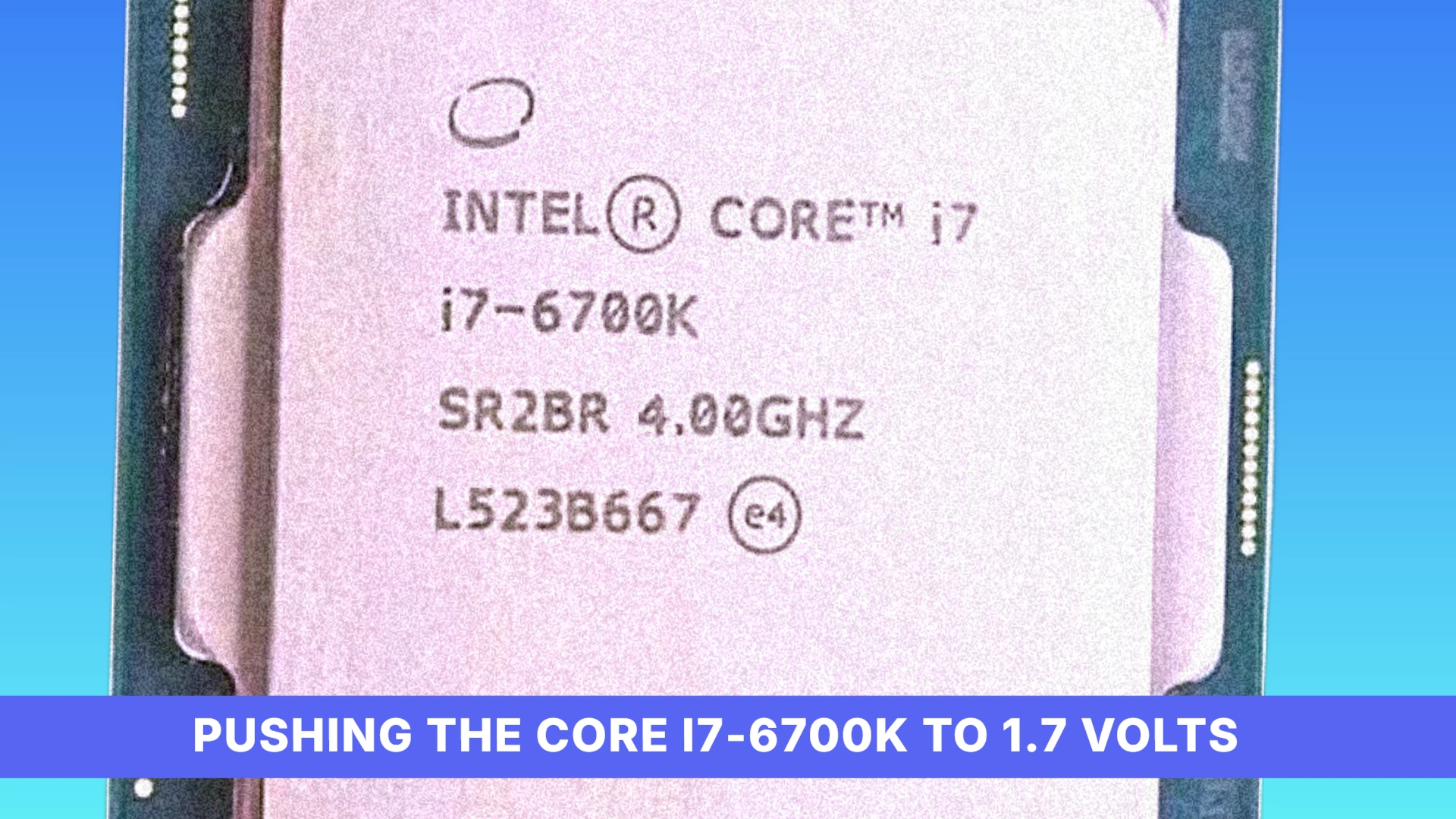
Pushing the Core i7-6700K to 1.7 Volts
At stock speeds, a Core i7-6700K holds an RTX 3080 to 60 percent utilization, leaving nearly half of the card’s silicon idle while the processor struggles to feed it work. That gap is what pushed testers toward the voltage dial rather than the multiplier alone. A safe core voltage on a processor this old tops out around 1.3 volts, and even a modern chip’s default ceiling sits at 1.356 volts. Everything that follows on this chip happens above both of those lines.
Tom’s Hardware got the chip to 4.7GHz on air cooling at 1.4 volts, already past the 1.3-volt safe line before any exotic cooling entered the picture. That overclock bought a 13 percent improvement in Cyberpunk 2077, a real gain but nowhere near enough to erase the gap left at stock utilization.
Air cooling couldn’t carry the chip any further, so Tom’s Hardware moved to an ice bath, and at 1.56 volts the 6700K held 5GHz. That took RTX 3080 utilization from 60 percent up to 74 percent, closing more of the gap than the air-cooled run did, but still leaving over a quarter of the card unused no matter how much voltage the ice bath let them pour in.
Pushing to 5.1GHz took 1.65 volts, well past every safe line already crossed, and delivered exactly one extra frame for the trouble. Tom’s Hardware couldn’t get the chip stable at 5.2GHz or 5.3GHz at all, and the final attempt at 1.7 volts killed it outright. The ceiling on this architecture isn’t a tuning problem voltage can buy its way past.
The Floor: Four to Eight Frames on Dual-Core Silicon
Cyberpunk 2077 Quad-Core Performance
Tom’s Hardware clocked a stock 6700K at 103 FPS, while DSOGaming’s simulated quad-core came in at 78 FPS, a 25-frame gap between a real four-core chip running at its native clocks and a rig with cores artificially disabled to mimic one. That difference points at everything a real quad-core still has going for it that a simulation strips away: full cache allocation, uncontested memory bandwidth, and a scheduler that isn’t fighting phantom cores. Anyone shopping on quad-core benchmarks alone should treat the higher number as the ceiling and the lower one as the warning about how fragile that ceiling is once anything else on the chip is compromised.
Dropping shadows, textures, or ray tracing does almost nothing here, because none of those settings touch what the processor is actually struggling with. Cyberpunk 2077’s crowd simulation runs on the CPU, not the GPU, and every pedestrian on screen is a thread of AI logic competing for four cores that already have combat, traffic, and physics queued up. The one setting that actually moves the needle is crowd density, and pulling it down to medium is the fix that matters, since it’s the only slider in the graphics menu that removes work from the component that’s actually maxed out.’
Frame Generation Cannot Fix a Processor Bottleneck
Frame generation doesn’t touch the CPU bottleneck; it papers over it. The technique inserts synthetic frames between the ones the processor and GPU actually rendered, so the on-screen frame counter climbs even while the game underneath is still being fed by a starved processor. That trade comes at a real cost: because generated frames aren’t tied to a new game-state calculation, every input the player makes still has to wait for the next real frame to land, so the game reads as smoother on a chart while feeling less responsive in the hand.
- Nvidia’s DLSS 4.0 adds 8 to 12 milliseconds of input latency on top of native rendering
- AMD’s FSR 4 adds 12 to 18 milliseconds of input latency on top of native rendering, a larger penalty than DLSS 4.0’s at both ends of the range
Frame Generation Breaks Down at Low Base Frame Rates
Frame generation depends on having a decent base frame rate to interpolate from, and a processor already choking on an aging quad-core can’t supply one. Push the technique onto a low starting frame rate and the artifacts stop being subtle: ghosting trails smear behind moving objects and on-screen UI elements warp and distort, the software guessing at frames it doesn’t have enough real information to construct.
Resolution Decides Which Part Is Actually Working
Drop resolution and the bottleneck moves: at 1080p the GPU finishes each frame fast enough that it’s waiting on the processor to hand it work, while at 4K the GPU has so much pixel-pushing to do that even a weak CPU can keep up. That makes the 6700K’s four cores and 8 MB of shared cache a much bigger problem at 1080p than at 4K, because a chip with only four cores to split game logic, physics and draw calls across runs out of room the moment a modern title asks for more than four threads’ worth of work at once. Intel’s own successor made the gap explicit: the 8700K delivers 50% higher multi-core speed than the 6700K, which is Intel telling its own customers, two generations apart, that four cores had stopped being enough.
- 16GB of RAM running at 3200MHz cuts down on stuttering, according to Bottleneck Calculator Online, which matters most on a platform already short on cores since slow memory just adds another wait state on top of one
- A 240mm liquid cooler keeps the chip from thermal throttling, per Bottleneck Calculator Online, which protects whatever headroom an aggressive voltage offset bought in the first place
Gamers React to Aging Hardware Limitations
None of this shows up as an abstract benchmark chart for most people; it shows up as a comment under a video, written by someone watching their own rig fall behind in real time. One viewer put it plainly: the itch to upgrade isn’t theoretical when the chip you already own is visibly struggling to keep pace.
I wish I could just update my cpu so badly. . I7 6700 is barely keeping up these days
The resolution-dependent nature of the bottleneck confuses plenty of people who haven’t sat through an explanation of why it works that way, and the confusion itself is worth reading, because it shows how counterintuitive the tradeoff feels from the outside.
That’s trippy to me that in 1080 it’s bottle necked…. But in 4k it uses the card more and off loads that from the CPU and its great…. I still don’t think I get it lol.
Not every reaction is confused; some of them are just funny, and one commenter summed up the whole situation in five words that land harder than any chart.
sir, your bottleneck has a gpu
Not everyone’s experience matches the warnings, though. One user paired a 5070 with a 9900k after being told the older processor would hold the card back badly, and instead found both components pegged at maximum usage, a result that says more about how poorly some games are optimized than it does about the CPU being fine.
I got a 5070 on a 9900k . I was told the cpu wouldbe be a massive bottleneck . But nope . With how badly games are optimized these days I get both 100% cpu and gpu usage
The financial sting shows up when someone assumes a new graphics card will simply drop into an existing system. One buyer put a 5070 into a machine running an i7 10700k with 16GB of 3200 RAM, expecting the upgrade to be finished, only to discover the card couldn’t be used properly without replacing the whole platform underneath it.
I literally just doofed like this skit. Bought a 5070 and slapped it in with my pc that had a i7 10700k and 16gb ddr 3200 ram. I literally had to build a whole new pc to actually be able to use my card. Should’ve subscribed and I would have known. 😅