
Key Takeaways
- 1If competitive gaming is the priority, OLED’s 0.03ms response time beats Mini-LED’s 1-5ms range by a margin no amount of Mini-LED brightness makes up for.
- 2Don’t buy a dual-mode monitor for the refresh number on the box without checking the resolution it drops to first; the M27UP ICE only hits 320Hz at FHD, not 4K.
- 3The ASUS PG27UCWM is the pick for anyone who’s been annoyed by fringing text on WOLED desktops, since its RGB stripe subpixel layout removes that halo outright.
- 4The XG32UCWMG’s Neo Proximity Sensor is worth having if the monitor doubles as a desktop, since it cuts panel exposure the moment nobody’s in the chair.
- 5At $650, the Gigabyte MO27U2 pairs real OLED contrast with a Control Center app TechRadar calls barely functional, so budget for the calibration hassle before buying.
OLED’s Per-Pixel Blacks Set the Bar for Dark Rooms
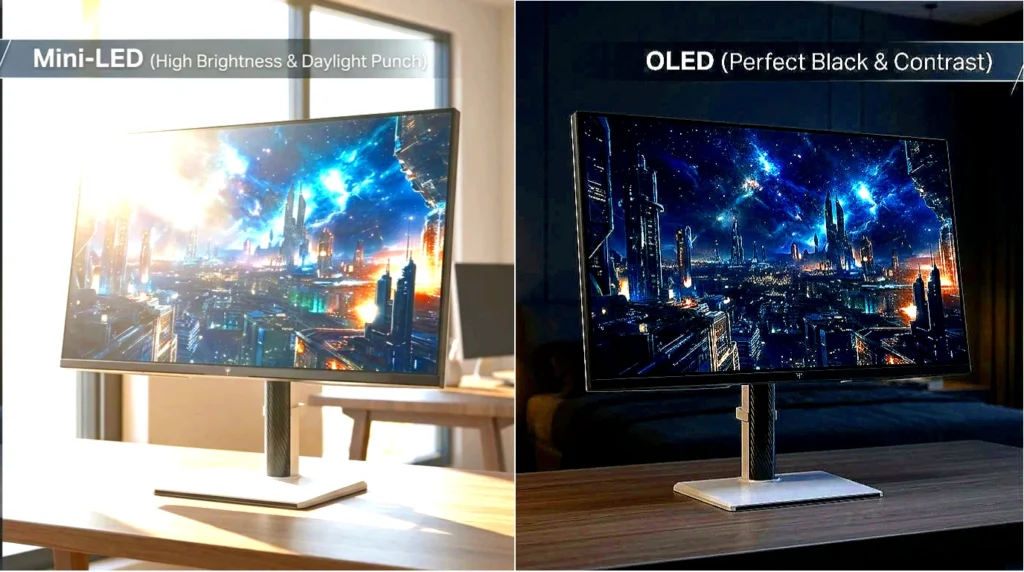
The gap in pixel response time is where the two technologies stop looking like they’re even competing for the same job. OLED panels switch states in 0.03ms, while Mini-LED sits in the 1-5ms range, a difference measured in whole milliseconds rather than fractions of one. For anyone tracking a fast-moving target in a competitive shooter, that gap shows up directly as trailing or smear behind the object, and OLED’s near-instant response is what erases it.
Motion clarity isn’t the whole story once the monitor spends its day showing spreadsheets, code editors, or a taskbar that never moves. Mini-LED’s standard RGB subpixel layout renders fonts sharp with no fringing, the kind of clean edge a desktop workload needs all day. OLED carries no such guarantee on the productivity side either: static UI elements left on screen for long stretches put the panel at risk of burn-in, a permanent ghost of whatever sat there too long.

The Dual-Mode Scaling Problem
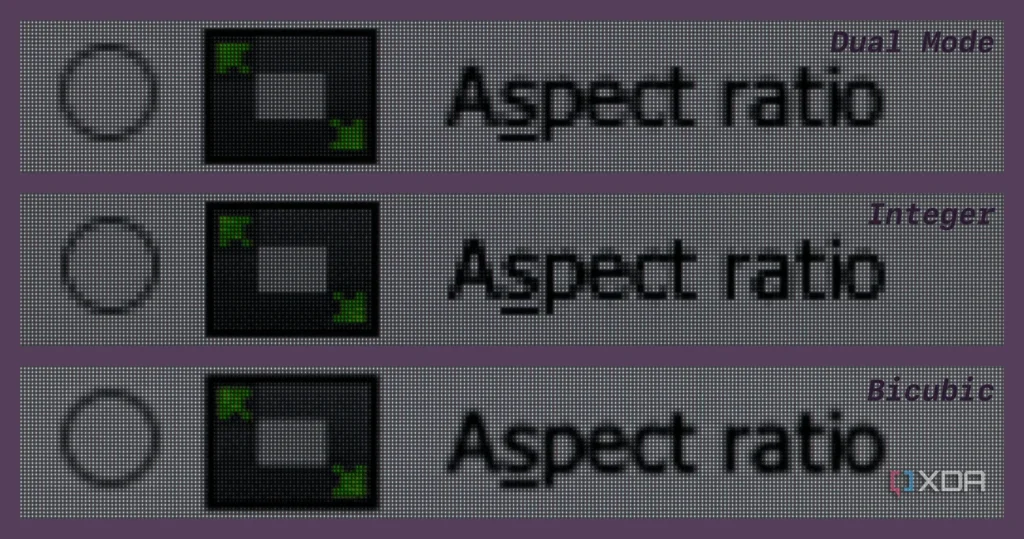
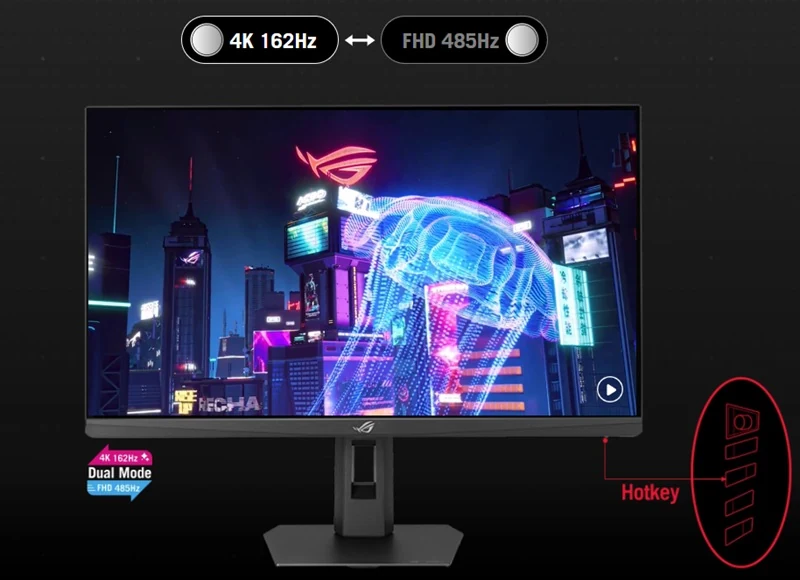
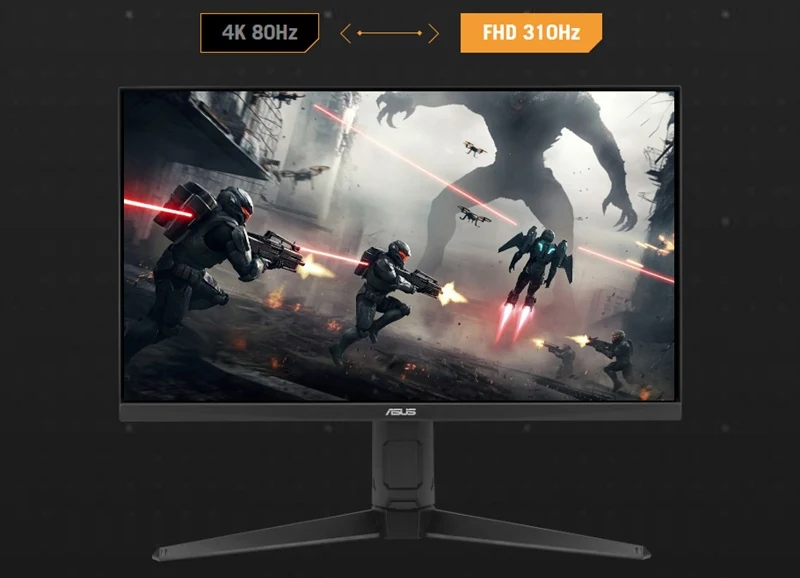
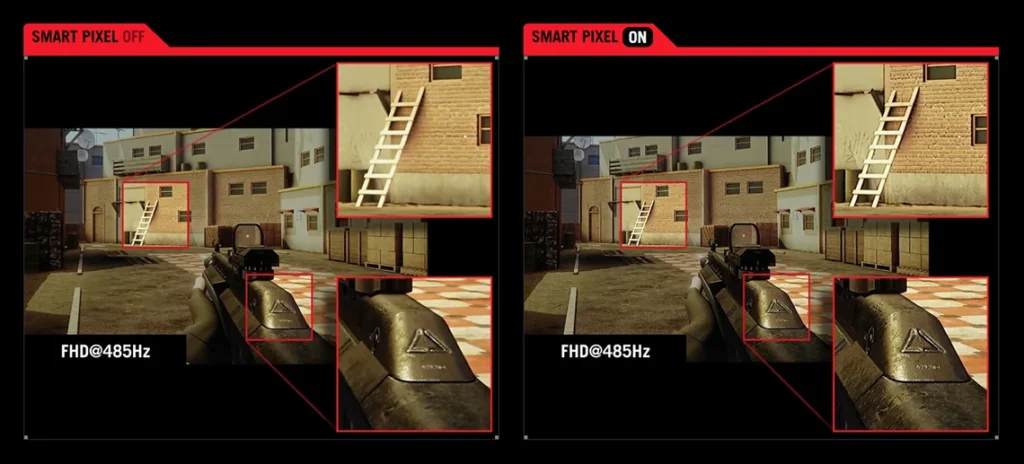
The number that sells a dual-mode monitor is the refresh rate on the box, not the resolution it takes to get there. A 27-inch panel hitting 720Hz only does it at 720p, and stretching that pixel count across a 27-inch screen is exactly the kind of scaling mismatch reviewers and buyers alike have started calling out.
720hz is only in 720p btw, you know how blurry is 720p in 27inch monitor lol
This isn’t a budget-panel problem. Even a 5K2K ultrawide, a display built for image quality first, takes a visible hit the moment it’s switched into its lower dual-mode resolution.
my monitor is the lg ultragear 5k2k. The dual mode is not good, makes it look bad when in 2k mode. But in 5k, looks good.
That trade-off only makes sense if the extra Hz is worth chasing in the first place, and plenty of players aren’t convinced it is once you’re past a certain point.
Anything past 180/240 hertz is unrecognizable without a slow motion camera
ASUS Moves to Fourth-Gen Tandem QD-OLED on the PG32UCDM Gen3
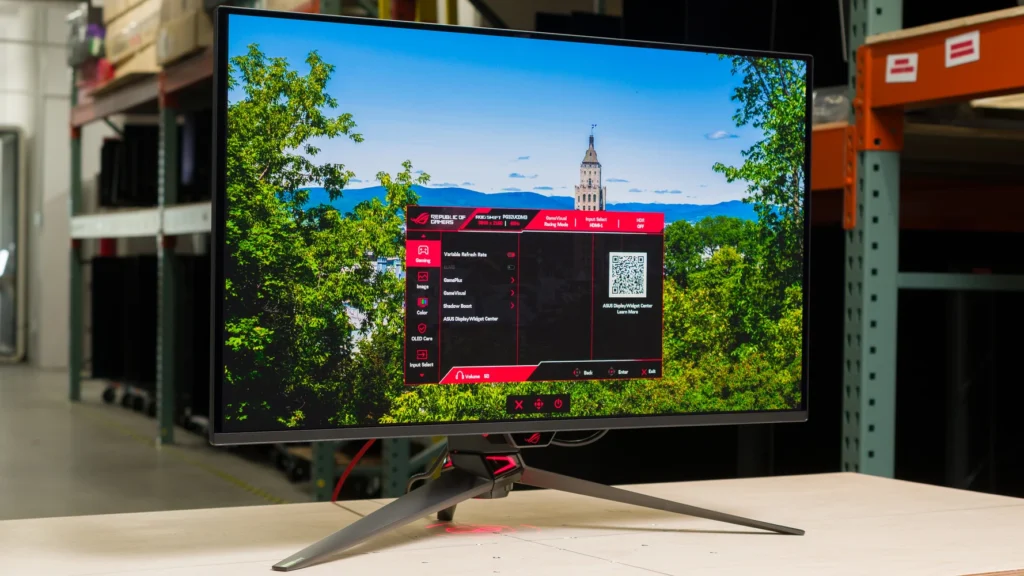
Pros
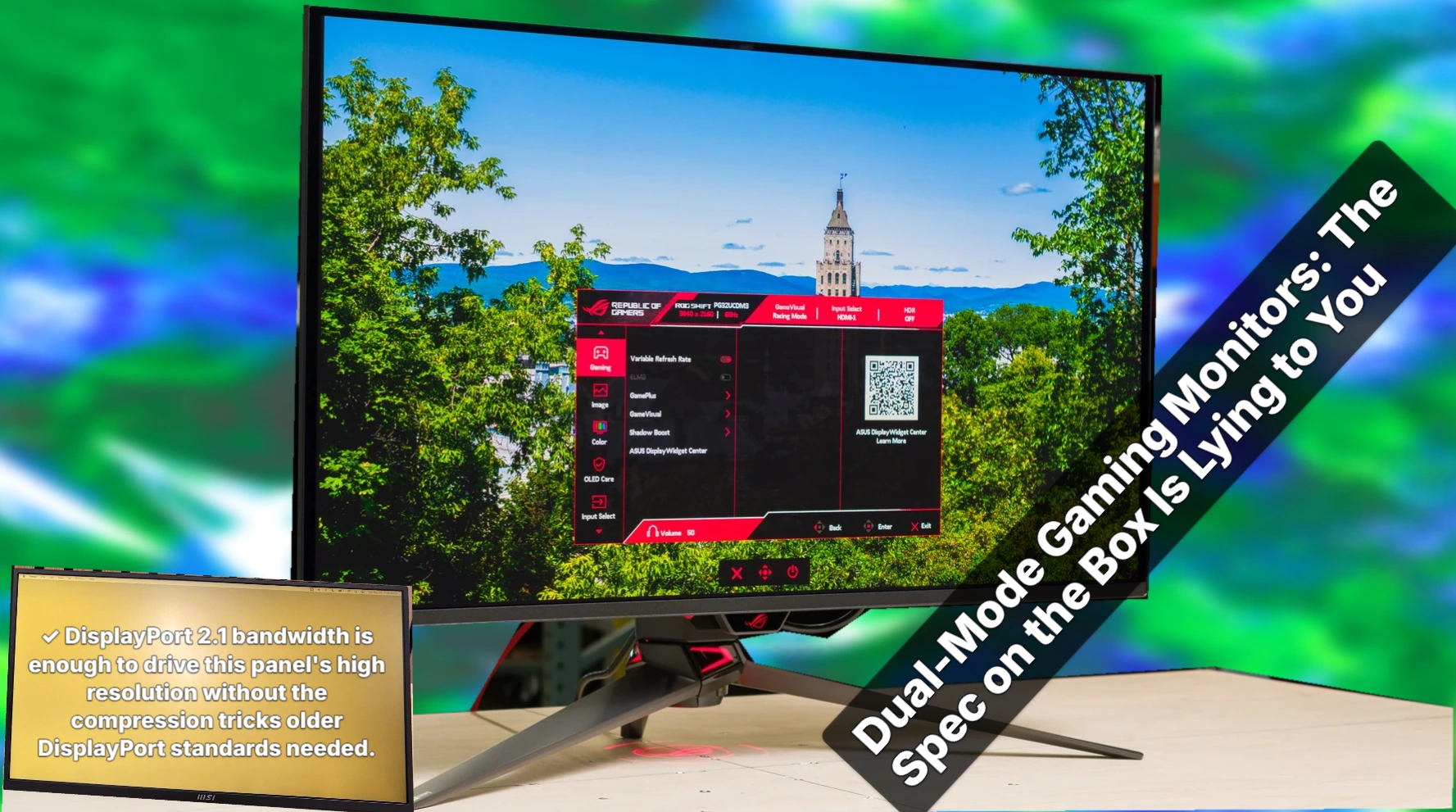
- DisplayPort 2.1 bandwidth is enough to drive this panel’s high resolution without the compression tricks older DisplayPort standards needed.
- A single USB-C cable can carry 90W to a laptop, RTINGS measured, which covers most ultrabooks without a separate power brick on the desk.
Cons
- RTINGS measured input lag climbing at 120Hz compared to 60Hz, which runs against the usual assumption that a higher refresh rate only helps responsiveness.
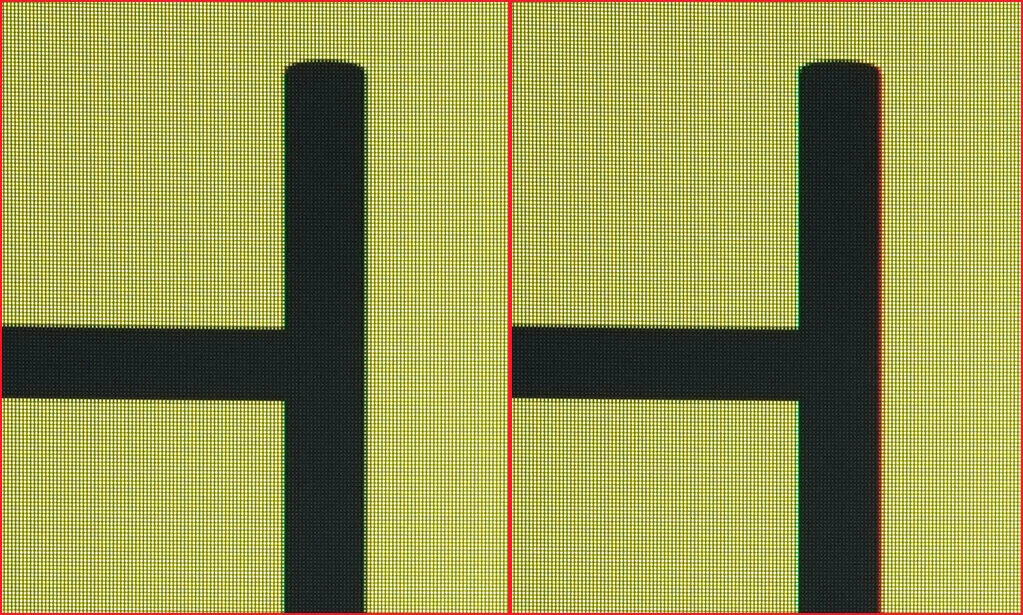
- The triangular subpixel layout produces visible fringing around text, the same tradeoff that has followed QD-OLED panels through prior generations and one that matters for anyone using this as a work monitor as much as a gaming one.
ASUS ROG Strix OLED XG32UCWMG: Dual-Mode WOLED
The XG32UCWMG runs a Neo Proximity Sensor that blacks out the panel the moment it detects nobody’s sitting in front of it. It’s a small mechanical trick with a real purpose: static desktop icons and taskbars are exactly what burns into an OLED panel over months of use, and cutting the light output the second the seat’s empty is cheaper insurance than any warranty clause.
USB-C Power Delivery Is Not for Laptops
The USB-C port on the XG32UCWMG carries just 15W of power delivery, enough to keep a phone or a small accessory topped off but nowhere near what’s needed to run or charge a laptop while it’s plugged into the display. Anyone planning a single-cable laptop dock setup around this monitor needs a separate charger.
Tandem WOLED ASUS PG27UCWM
The PG27UCWM swaps the WOLED panel’s usual subpixel arrangement for a true RGB stripe, and that change is what fixes text. Fringing around letters, the colored halo that’s dogged WOLED desktops for years, is gone outright rather than reduced. Dark uniformity moves up too, a step past the traditional WOLED panels that have shipped this layout problem generation after generation. Anyone who’s parked a WOLED monitor next to a spreadsheet or a code editor and winced at the edges of characters is the buyer this panel was built for.
Anti-Flicker Comes With a Catch
Turning on the anti-flicker setting isn’t free: it opens dead zones in the refresh range where VRR simply switches off. That’s a real tradeoff, not a footnote, for anyone who bought this panel expecting a variable refresh rate to hold steady across the range they’re gaming in.
AOC U27G4XM Mini-LED Display: A Certified DisplayHDR 1000 Panel
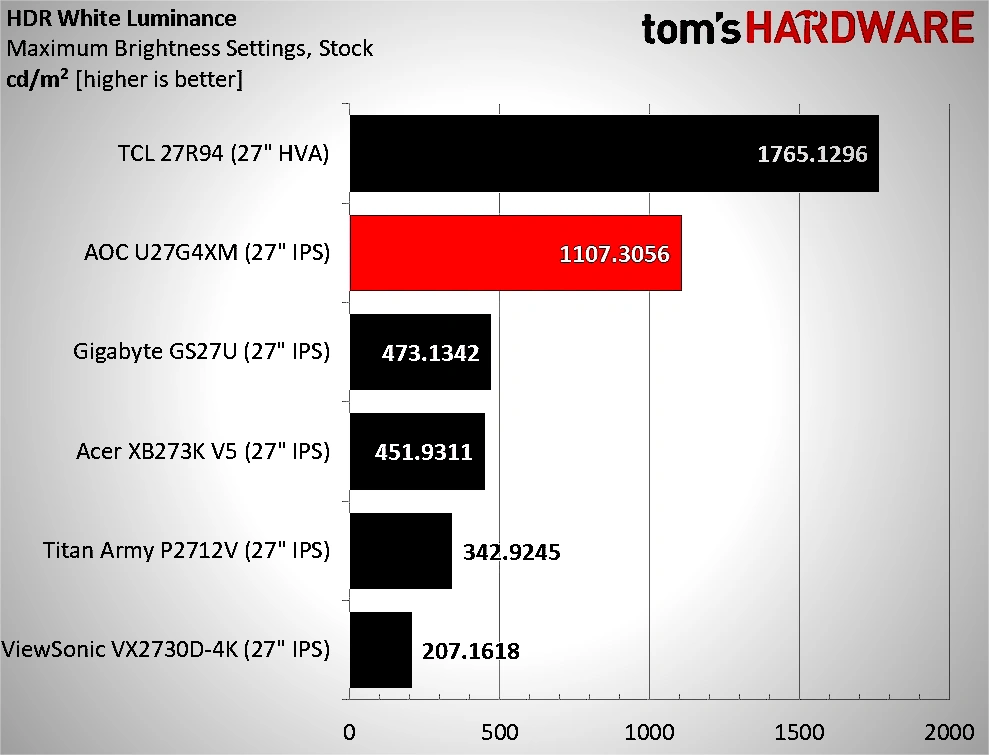
With medium local dimming engaged, the U27G4XM hits a 13,061.4:1 contrast ratio, a figure that backs up the brightness number rather than sitting apart from it: a Mini-LED backlight that can push past 1,100 nits still needs dimming zones doing their job to keep the dark end of the range from washing out. Tom’s Hardware did flag general color oversaturation in HDR content, though, which is the tradeoff that shows up when a backlight this aggressive is driving colors alongside brightness rather than one problem canceling the other out.
Gigabyte splits its 27-inch lineup two ways: the MO27U2 chases OLED’s contrast, while the M27UP ICE sticks with a SuperSpeed IPS panel and the tradeoffs that come with it.
AORUS lists the M27UP ICE as switching between 4K at 160Hz and FHD at 320Hz, the same dual-mode tradeoff that’s dogged other panels in this roundup: full resolution or full refresh rate, never both at once. The USB-C port backs that up with only 18W of power delivery, enough to keep a mouse dongle or a webcam alive but nowhere near what’s needed to charge a laptop while it drives the display.

The software side doesn’t help the case either. Gigabyte’s Control Center app, the tool meant to handle firmware updates and picture settings on the MO27U2, is barely functional, which turns basic calibration into a chore the panel’s own hardware shouldn’t be creating.
TechRadar puts the MO27U2 at $650 or £539, a price that buys clipped highlights and a companion app that barely works. Against that backdrop, it’s worth hearing how buyers are actually pricing monitors against the rest of a build right now.
I mean we cant complain about monitor prices. Thats like top of the line for only a grand meanwhile cheap ram will cost just as much rn
ASUS Pushes Density Further: The XG27JCG Goes Native 5K
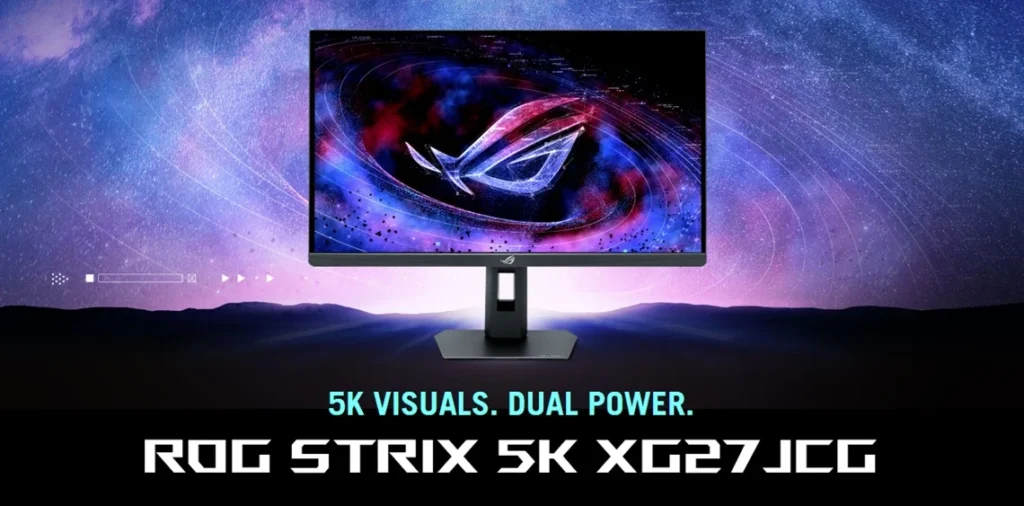
TFTCentral lists the XG27JCG at $849 or £699, a price that puts a 5K panel with a 330Hz dual-mode ceiling within reach of buyers who’d otherwise have to choose one spec or the other.