
Key Takeaways
- 1An 8TB Crucial X10 runs over seven hundred dollars retail; an Orico 2139U3-style SATA enclosure costs under ten, so a spare drive plus a cheap shell beats buying new external storage outright.
- 2In the Orico 2139U3, a SATA SSD hit 400 to 413 MB/s against a 2011 mechanical drive’s under 90 MB/s. Use the SSD for active files, the hard drive for cold storage.
- 3The OWC Express 1M2 needs Windows’ storage policy flipped from safe-removal to performance in Device Manager, or it won’t hit its rated speed.
- 4The Orico X50 Pro only reaches its 6000MB/s+ ceiling with a genuine Gen5 drive like the Biwin Enos Tech tested; a budget DRAMless SSD drags it down to around 2700MB/s.
- 5If a Hagibis XL-UD1101 or similar USB4 enclosure negotiates down to 20Gbps, check the cable before the hardware. eGPU.io fixed exactly this by swapping in a certified 40Gbps cable.
- 6For gaming, only the HDD-to-SSD jump matters: it halves load times. Gen4 vs Gen5 or DRAM vs no DRAM changes load times by under two seconds, because game engines aren’t built to use the extra bandwidth.
The Economics of Repurposing Old Drives
ProVideo Coalition clocked the 8TB Crucial X10 at over seven hundred dollars, which tells you retail external storage has stopped being a casual purchase and started being a decision you sleep on.
That comment sums up what everyone’s asking, and the answer for anyone with a spare drive lying around is to just stop shopping retail. A basic SATA enclosure runs under ten dollars, so if you’ve already got the drive, the whole external solution costs less than a fast food combo instead of that seven-hundred-dollar Crucial X10. That’s not a discount, that’s an entirely different category of spending.
The Orico 2139U3: The Baseline Case for Your Old 2.5-Inch Drive
Sequential Read Speed
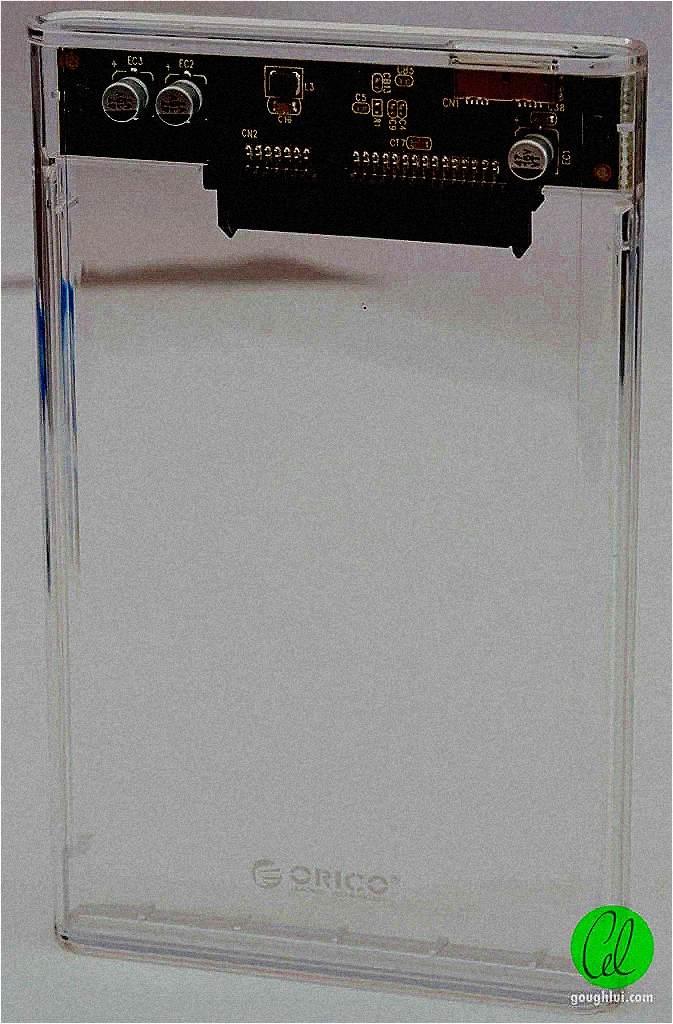
Drop the same drive class into the same Orico 2139U3 shell and you get two entirely different tools. Tom’s Hardware clocked a 2011 mechanical drive under 90 MB/s, while a SATA SSD in the same enclosure hit 400 to 413 MB/s, roughly four times the throughput. That gap is the whole decision: if you’re dumping old photos onto a shelf, the hard drive still does the job, but if you’re moving game installs or working footage around, the SSD is the one that doesn’t make you wait.
AMD Front Panel Warning
The JMicron JMS578 controller inside the 2139U3 struggles with AMD front panel USB headers, and that shows up as dropped connections and inconsistent speeds. Plug it into the motherboard’s rear I/O instead and the problem goes away.
Ten Dollars Buys You 10Gbps: The Lemorele SD3L
It’s not a fussy piece of kit either. The SD3L ships with both a USB-C and a USB-A port built in, so it doesn’t care whether the machine you’re plugging into is from 2015 or 2025.
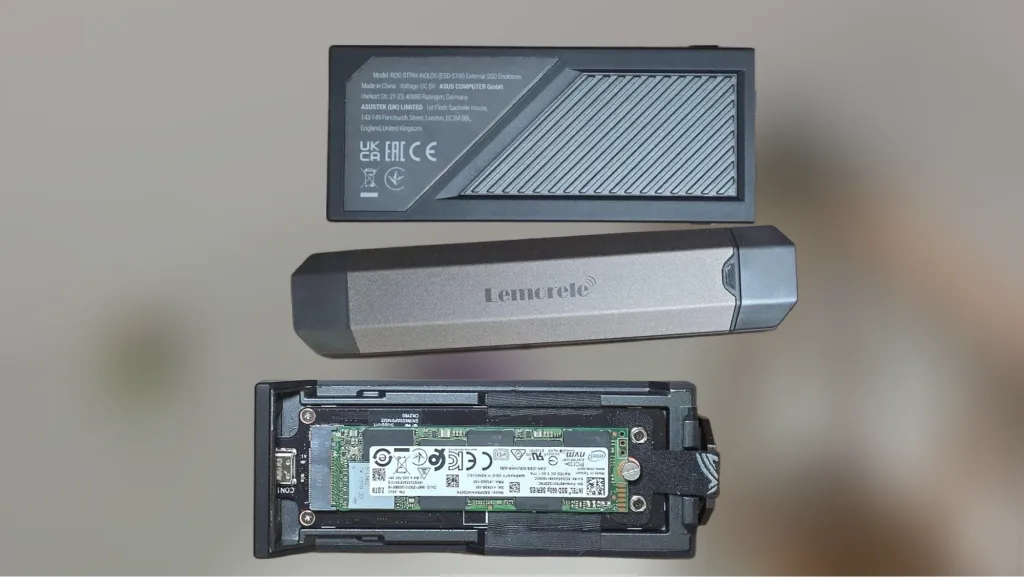
Spend the extra fifty-five dollars and step up to the Asus ROG Strix Aiolos, and that same Intel 660p nearly doubles its own number, hitting close to 2000 MB/s where the SD3L capped it at 1000. The Aiolos earns that jump by running the 20Gbps interface, and it hedges its bets by taking either NVMe or SATA M.2 drives, so whatever spare stick you’ve got lying around from an old laptop upgrade has a home. At sixty-five dollars it’s not the ten-dollar impulse buy the SD3L is, but if you’ve actually got a drive capable of using that bandwidth, it’s the one that lets it stretch out.
OWC Express 1M2 USB4 Enclosure
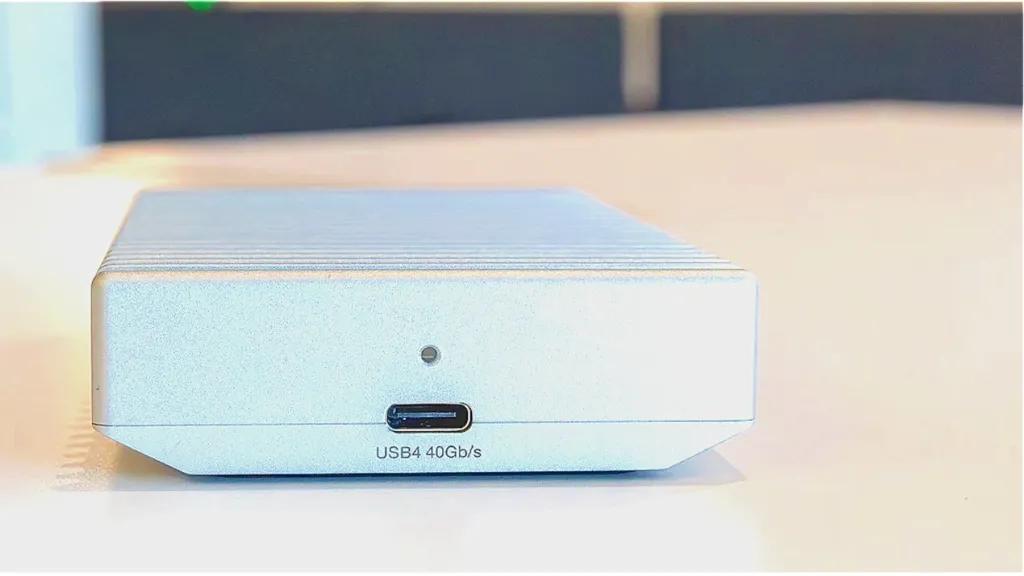
The OWC is built like a heatsink because it’s meant to run drives hard, and the aluminum body is doing real thermal work rather than just looking premium on a shelf. But the enclosure isn’t the only thing standing between you and full speed. Windows ships external drives with a default storage policy tuned for safe removal over raw throughput, and left alone it’ll quietly cap what this thing can do. Flip that policy to the performance setting in Device Manager and the enclosure stops fighting the OS for bandwidth.
With that policy fixed and a proper USB4 port feeding it, PCMag and Tom’s Hardware clocked the OWC Express 1M2 anywhere from 2625 to 3700 MBps depending on the drive dropped inside it, a wide enough range that the enclosure is clearly not the bottleneck, the PCIe drive you install is. Tom’s Hardware put its write speeds 70 percent above the Corsair EX400U, which tells you the gap between a good USB4 enclosure and a mediocre one isn’t a rounding error, it’s the difference between an external drive that behaves like internal storage and one that doesn’t.
The Orico X50 Pro runs on Intel’s JHL9480 controller, which is the chip actually doing the work behind that Thunderbolt 5 badge on the box.
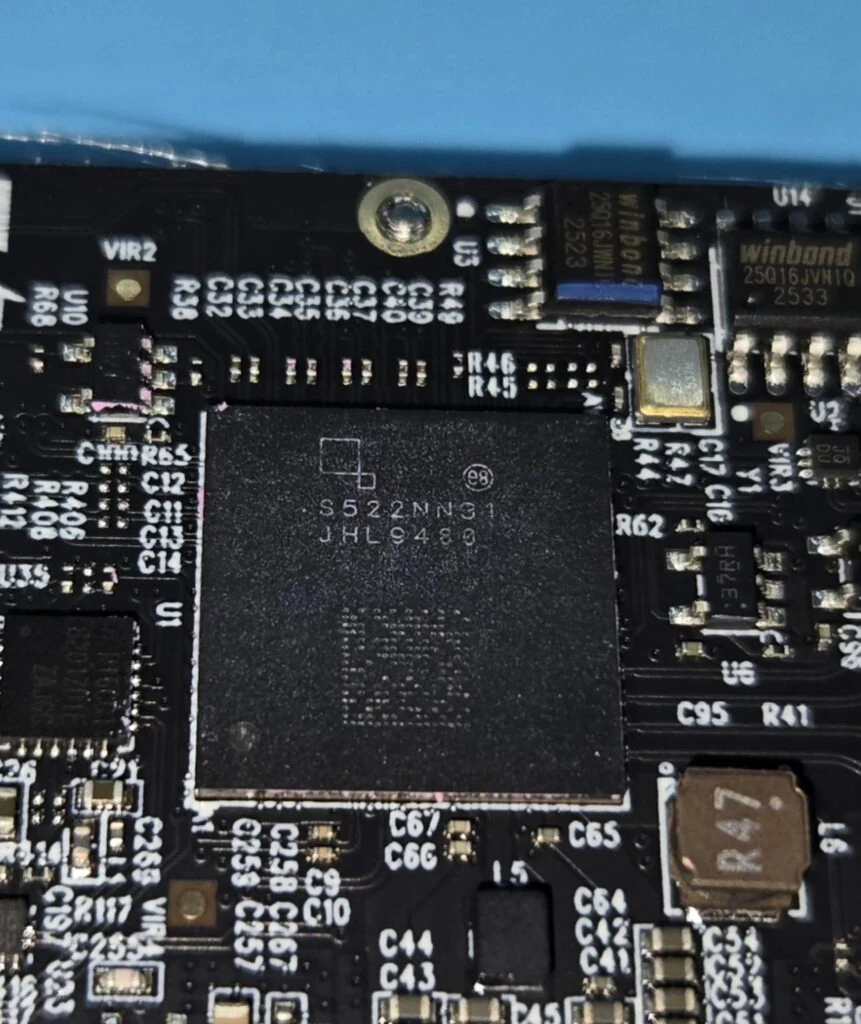
That Gen4x4 ceiling still leaves real headroom: Enos Tech got a Biwin Gen5 drive past 6000MB/s sequential reads inside this enclosure, which is well above what any Gen4 drive can touch on its own.
Swap that Biwin drive for a budget DRAMless SSD and the same enclosure only managed around 2700MB/s on writes, less than half of what the high-end drive pulled off. If you’re buying this enclosure to save money by reusing a cheap drive, you’re paying for hardware the drive inside can’t use.
None of that matters if the enclosure can’t keep its cool: without active cooling running, the X50 Pro throttles hard under sustained load, which means the big multi-gigabyte file transfer you bought a Thunderbolt 5 box for is exactly when it falls apart.
Nvme ssd me jab big file copy karta hu tab thoda sa copy hole k bad speed low matlab 7 to 10mbps pe gir jata hain.
The Hagibis XL-UD1101 Runs on the Same Chip as the Big Boys
That ASM2464PD controller and the fan behind it aren’t just for show. An eGPU.io tester dropped a Gen4 NVMe drive in and saw peak reads hit 3500MB/s, which is exactly what you’d expect from a Gen4 drive running unthrottled and tells you the enclosure isn’t the bottleneck here.
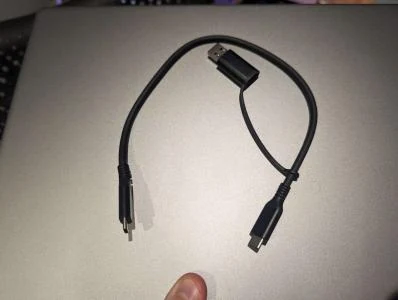
The enclosure can only move as much data as the cable feeding it lets through, and that’s where things get messy. On the Ayaneo Geek 1S, eGPU.io saw the connection negotiate down to 20Gbps just from using an unmarked cable, half of what USB4 is supposed to deliver. That’s not a fluke isolated to one handheld either, judging by how often the same complaint shows up elsewhere.
FWIW My Win Max 2 6800U’s USB4 port has lots of issues trying to connect to Thunderbolt 3 peripherals at 40gbps.
The fix isn’t a different enclosure or a different drive, it’s just the cable. Swapping in a certified 40Gbps cable restored the full connection speed for that same eGPU.io tester, no other changes required. If you’ve built a rig around the XL-UD1101 or anything like it, the $8 cable in the box is worth checking before you blame the hardware.
Game Loading Times Across Storage Generations
Here’s the one upgrade in this whole conversation that actually matters for gaming: moving off a mechanical hard drive and onto any SSD cuts your load times in half. Doesn’t matter if it’s a five-year-old SATA drive or last month’s NVMe, the jump from spinning platters to solid state is where all the real time savings live.
Past that, you’re chasing scraps. The difference between PCIe generations comes in under two seconds, and a drive with a DRAM cache doesn’t load your game any faster than one without. Whatever those specs mean for other workloads, they’re not doing anything for the loading screen.
The bottleneck isn’t the drive, it’s the game. Current engines simply aren’t built to pull data off fast NVMe storage the way the hardware is capable of delivering it, so all that bandwidth sits there unused while the game loads at whatever pace its code was written for.
Game loading time is also barely noticeable. And there’s literally just 3-4 fps boost in most of the games if you’re using pcie 4 instead of PCIe 3.